
Suppose you have ever woken up to an inbox full of spam from your own contact form; you know how frustrating it is. Random gibberish. Fake email addresses. Crypto scams. All arriving because a bot found your form and started hitting it automatically.
The usual advice is to add a captcha. But most captcha tutorials assume you have a backend server to verify the token. If you are running a static site, a Webflow site, a GitHub Pages project, or any HTML form without your own server, you are stuck.
This tutorial shows you how to add a working captcha to any HTML form in under 5 minutes. No backend required. No server setup. No PHP. Just a form that blocks bots automatically and turns every real submission into a tracked lead.
What You Will Need
You need two things:
A free Formgrid account at formgrid.dev. Formgrid is an open-source form backend and lead pipeline that handles all the captcha verification on the server side for you.
An existing HTML form on your website or a new one you are about to build.
That is it. No Cloudflare account. No hCaptcha account. No API keys to manage yourself.
Step 1: Sign Up for Formgrid
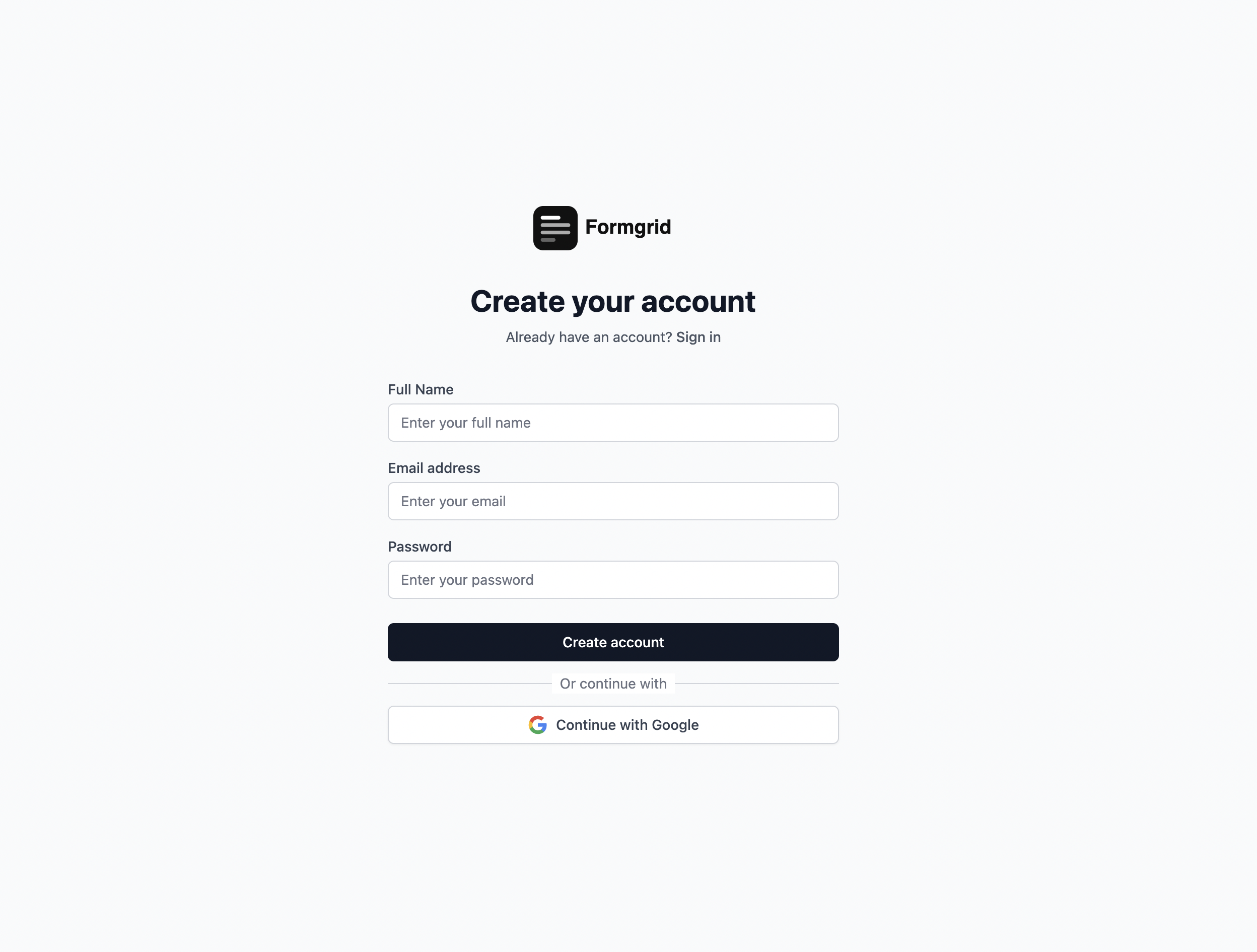
Go to formgrid.dev and click Sign Up Free. No credit card required.
Once you are logged in, you will see your dashboard. This is where all your forms and leads live.
Step 2: Create a New Form
Click Create Form and give your form a name. Something like "Contact Form" or "Quote Request" works fine.
You do not need to use the form builder for this tutorial. You already have your own HTML form. You are just using Formgrid as the backend that receives your submissions, verifies the captcha, and tracks your leads.
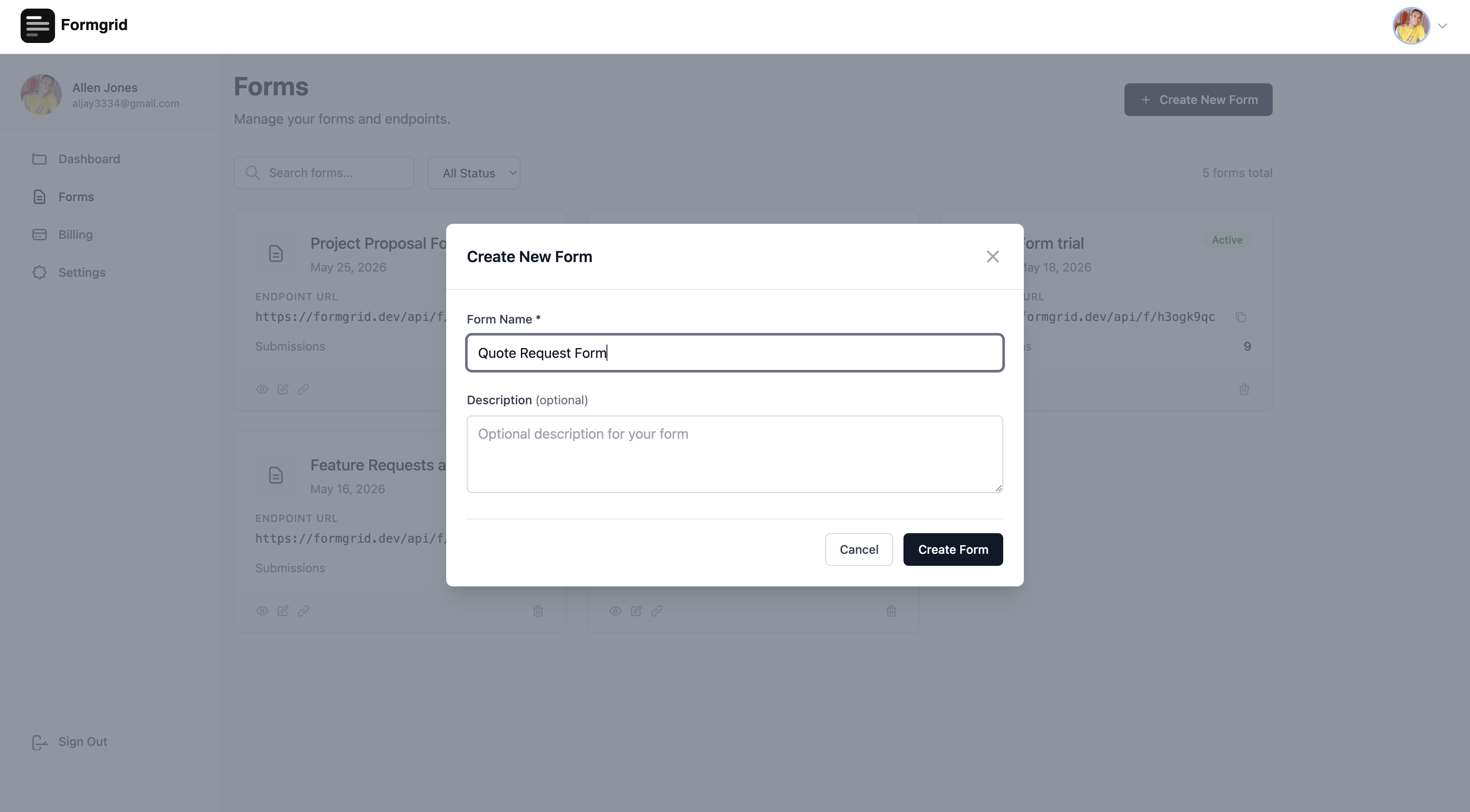
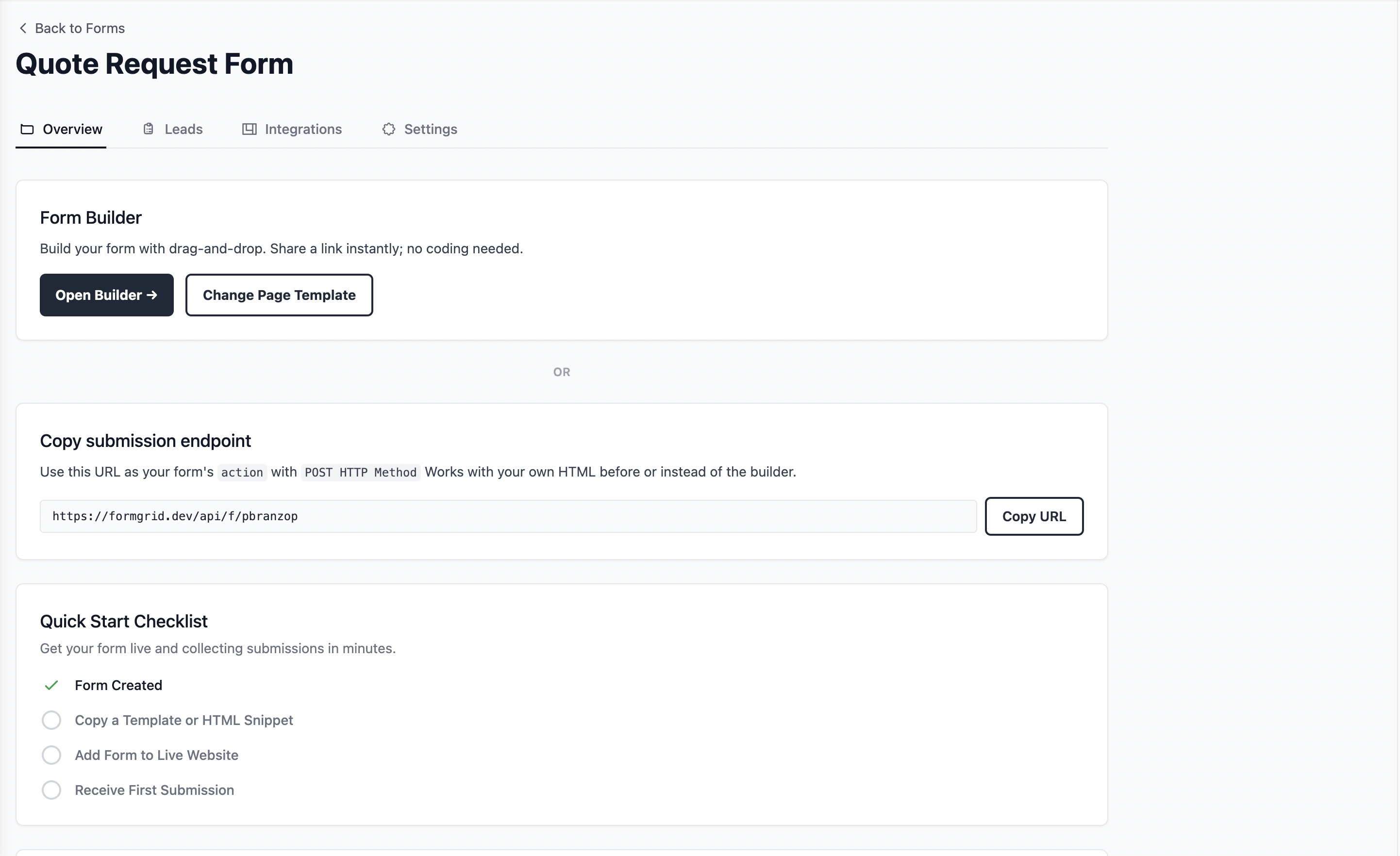
After creating the form, you will be taken to the form details page.
Step 3: Copy Your Form Endpoint URL
On the form details page you will see your unique endpoint URL. It looks like this:
https://formgrid.dev/api/f/your-form-idCopy this URL. You are going to use it as the action attribute of your HTML form.
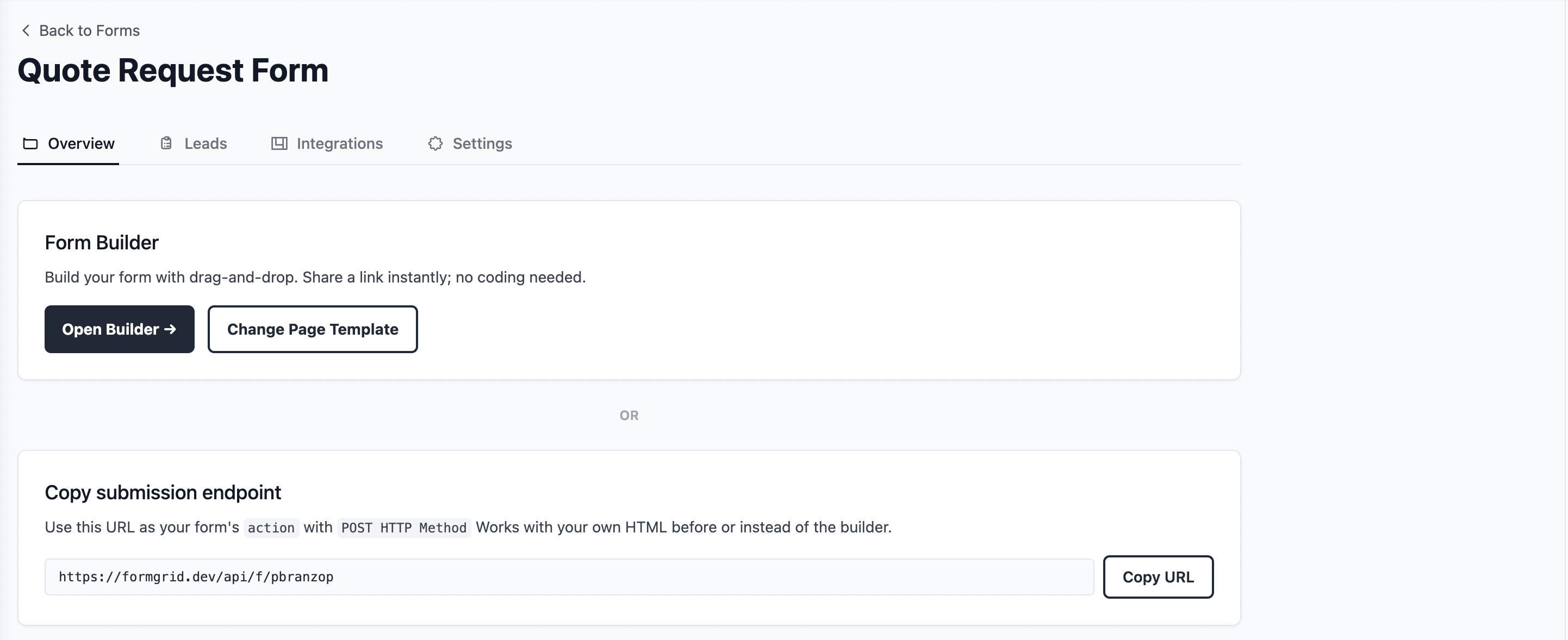
Update your HTML form to point to this endpoint:
<form action="https://formgrid.dev/api/f/your-form-id" method="POST">
  <input type="text" name="name" placeholder="Your Name" required />
  <input type="email" name="email" placeholder="Your Email" required />
  <textarea name="message" placeholder="Your Message"></textarea>
  <button type="submit">Send Message</button>
</form>
At this point, your form is already connected to Formgrid. Every submission will arrive as a tracked lead in your dashboard and trigger an email notification to you. But there is no captcha yet. Bots can still hit your endpoint directly.
Step 4: Enable Captcha on Your Form
Go to the Settings tab on your form details page. Scroll down until you see the Captcha section.
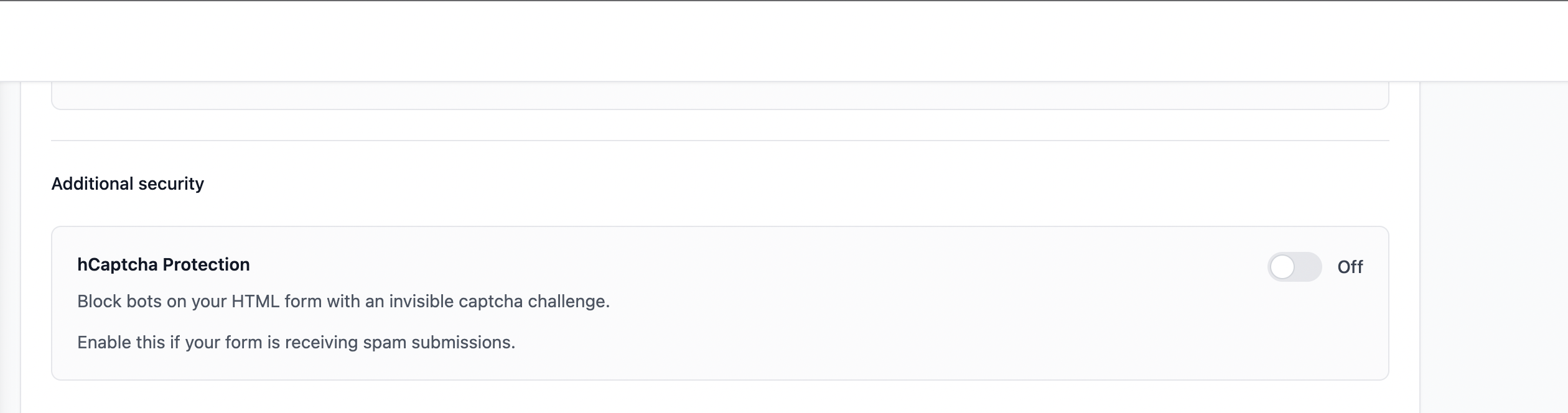
Toggle captcha on. The section will expand and show you a ready-to-copy code snippet.
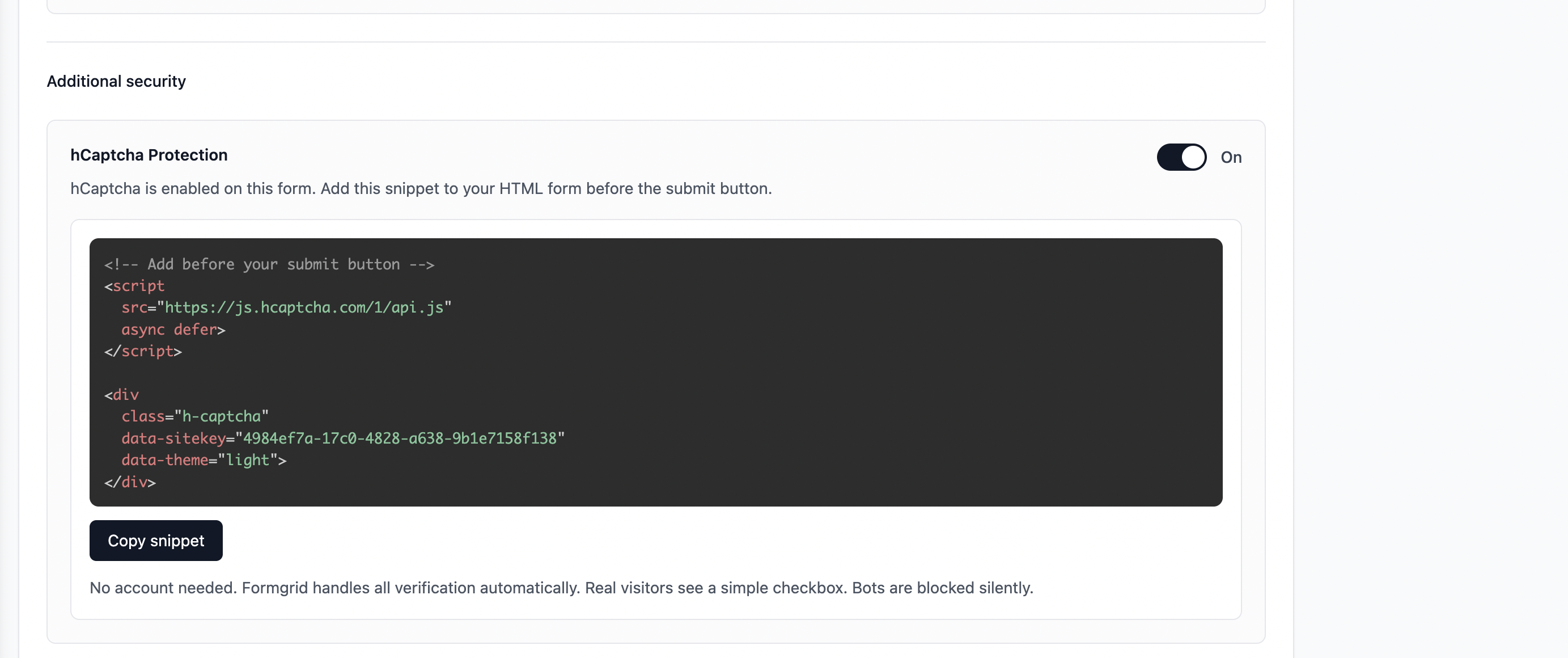
The snippet looks like this:
<!-- Add this before your submit button -->
<script
  src="https://js.hcaptcha.com/1/api.js"
  async defer>
</script>

<div
  class="h-captcha"
  data-sitekey="your-formgrid-site-key"
  data-theme="light">
</div>
Click the Copy button. The full snippet is now in your clipboard.
Step 5: Add the Snippet to Your HTML Form
Paste the snippet into your HTML form just above the submit button. Your complete form should now look like this:
<form action="https://formgrid.dev/api/f/your-form-id" method="POST">
  <input type="text" name="name" placeholder="Your Name" required />
  <input type="email" name="email" placeholder="Your Email" required />
  <textarea name="message" placeholder="Your Message"></textarea>

  <!-- Captcha snippet from Formgrid settings -->
  <script
    src="https://js.hcaptcha.com/1/api.js"
    async defer>
  </script>

  <div
    class="h-captcha"
    data-sitekey="your-formgrid-site-key"
    data-theme="light">
  </div>

  <button type="submit">Send Message</button>
</form>
Save your file and deploy your site. The captcha is now live.
What the Captcha Looks Like
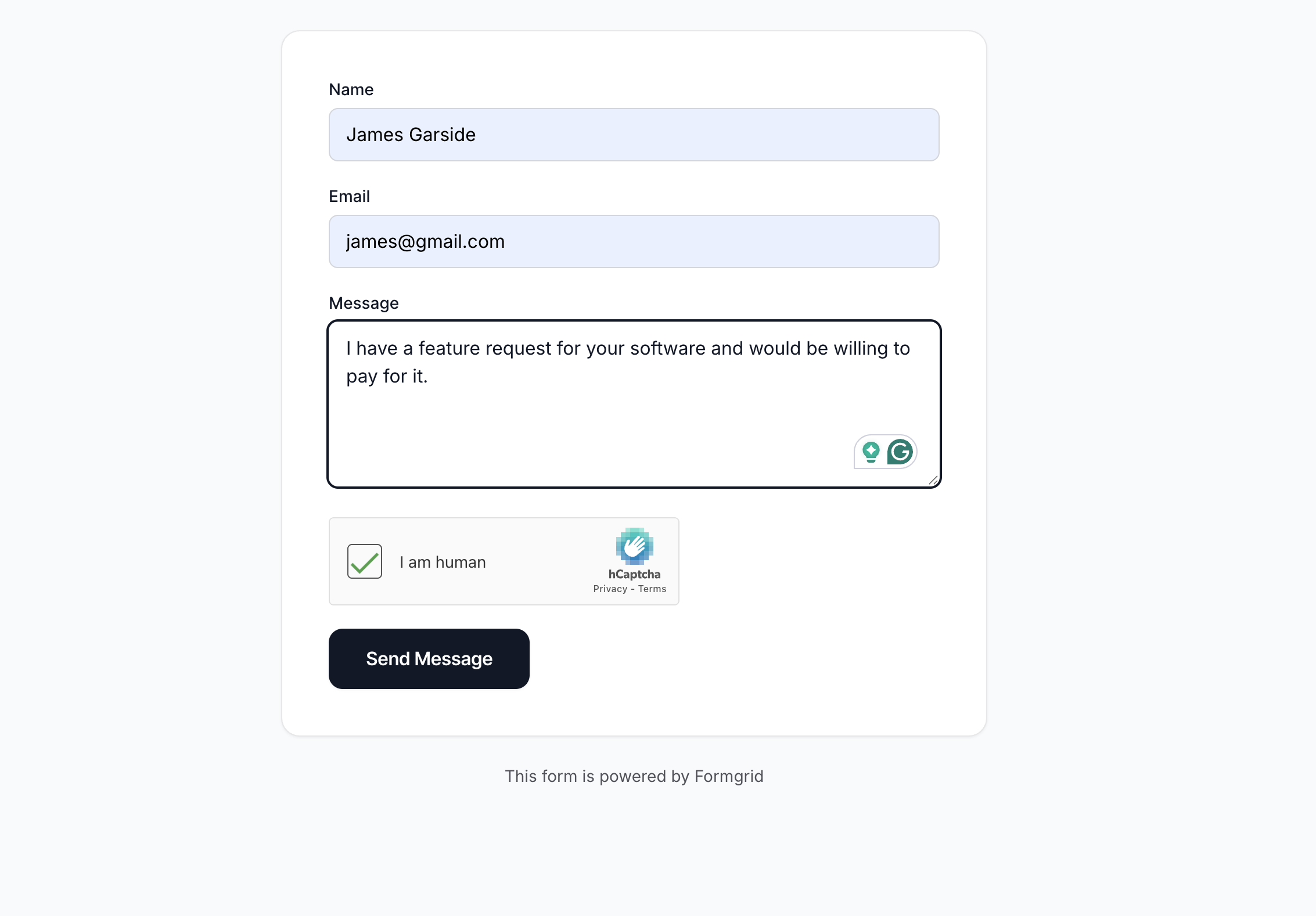
When a real visitor lands on your page and fills in the form, they will see a simple checkbox just above the submit button.
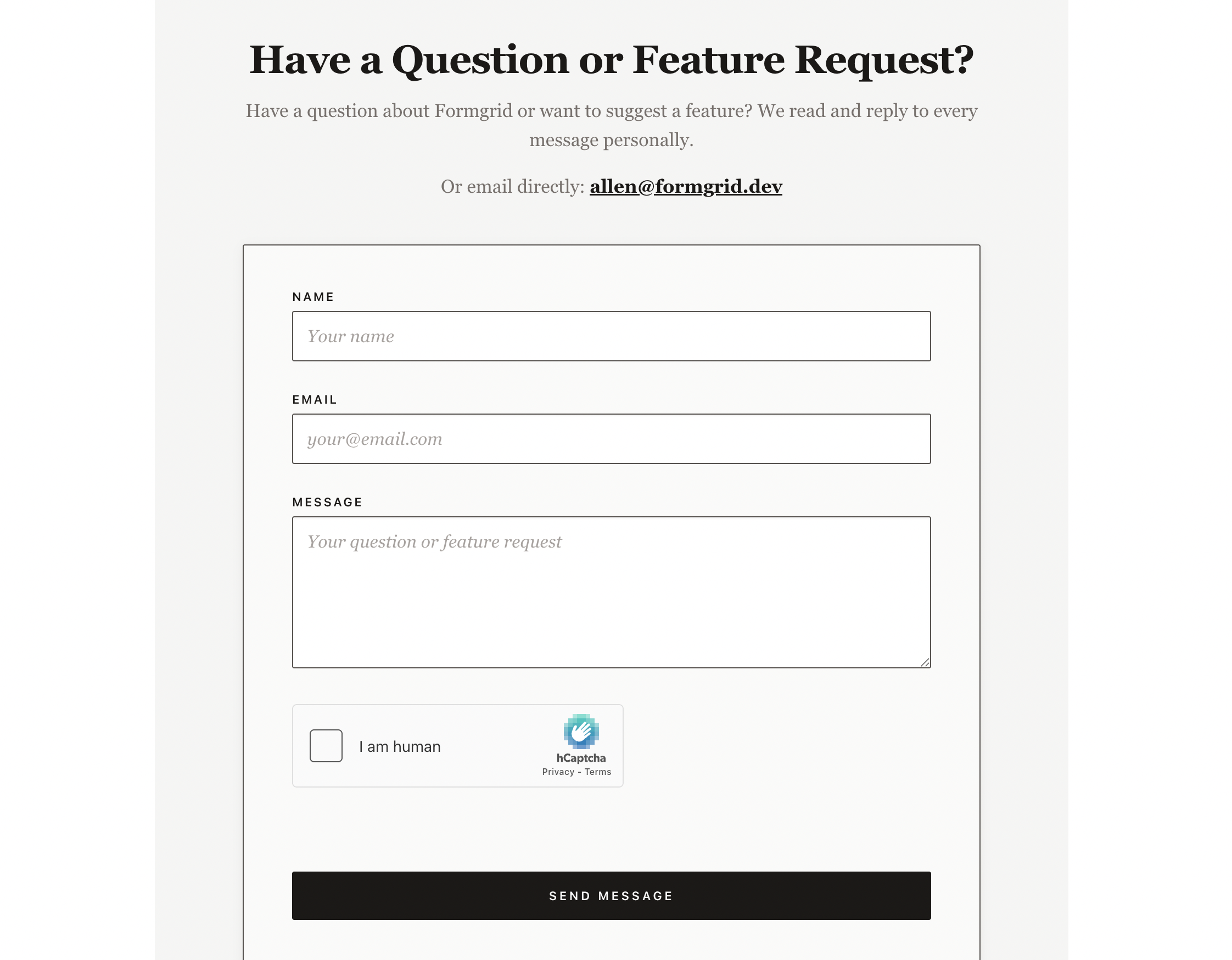
They tick the box and click submit. That is all they have to do.
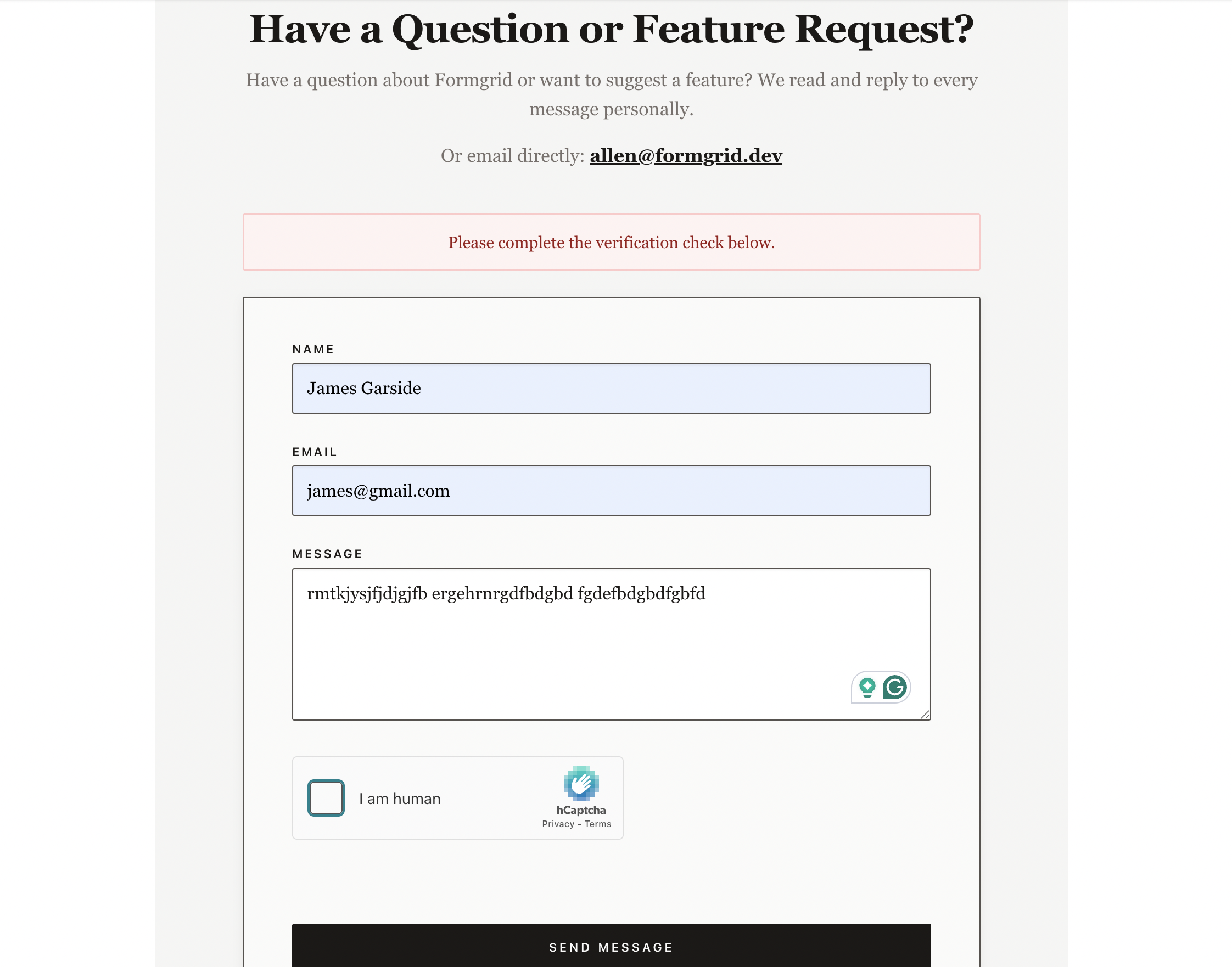
If they try to submit without completing the captcha, they will see a friendly error message asking them to verify first. The form will not submit until they complete it.
What Happens When a Bot Tries to Submit
A bot sending direct POST requests to your form endpoint will not have a valid captcha token. Formgrid receives the submission, checks for the token, finds none, and silently blocks it.
The bot receives a 200 response, so it never knows it was blocked. It just stops generating spam for your inbox.
No email notification is sent. No lead is created. The submission disappears completely.
What Happens When a Real Person Submits
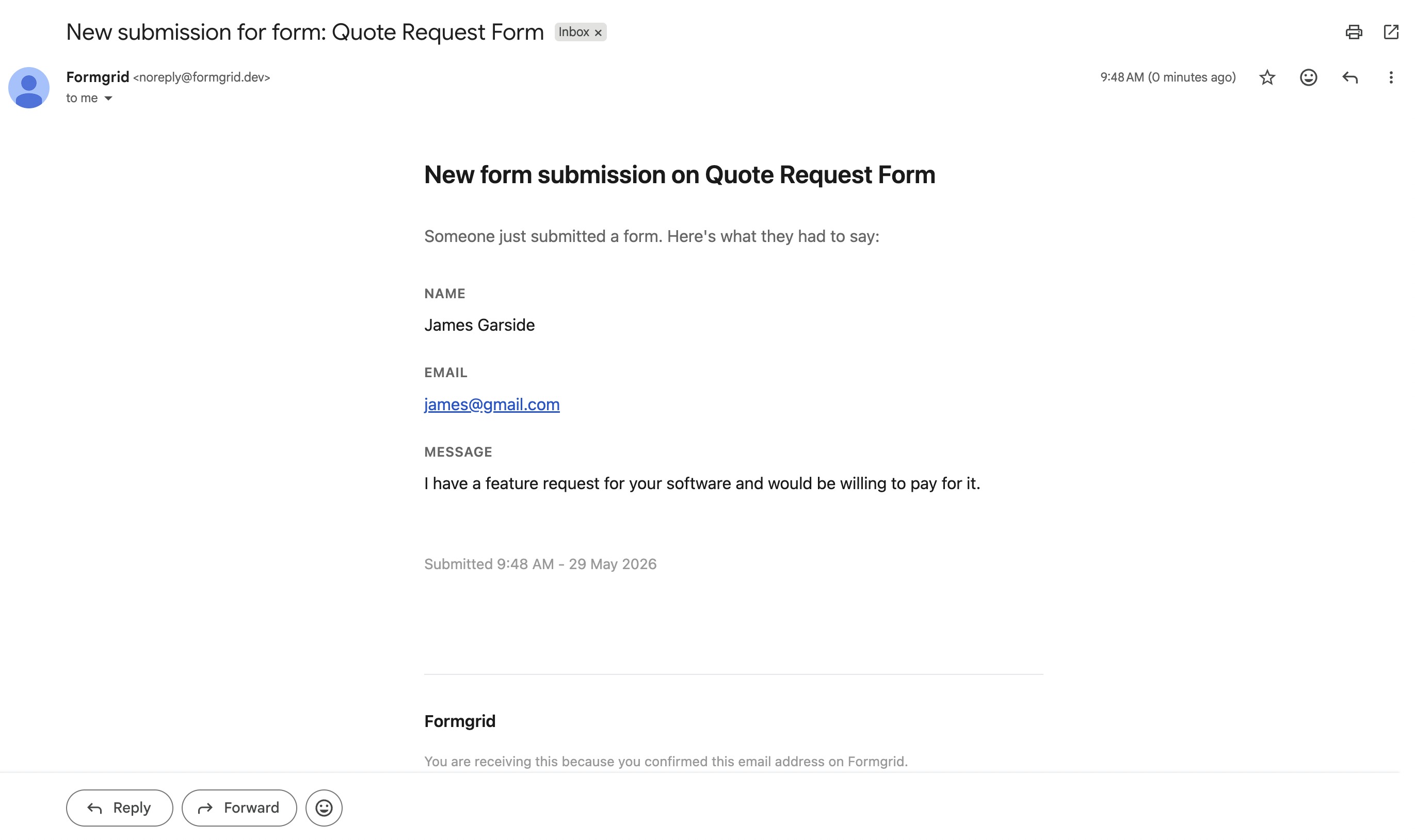
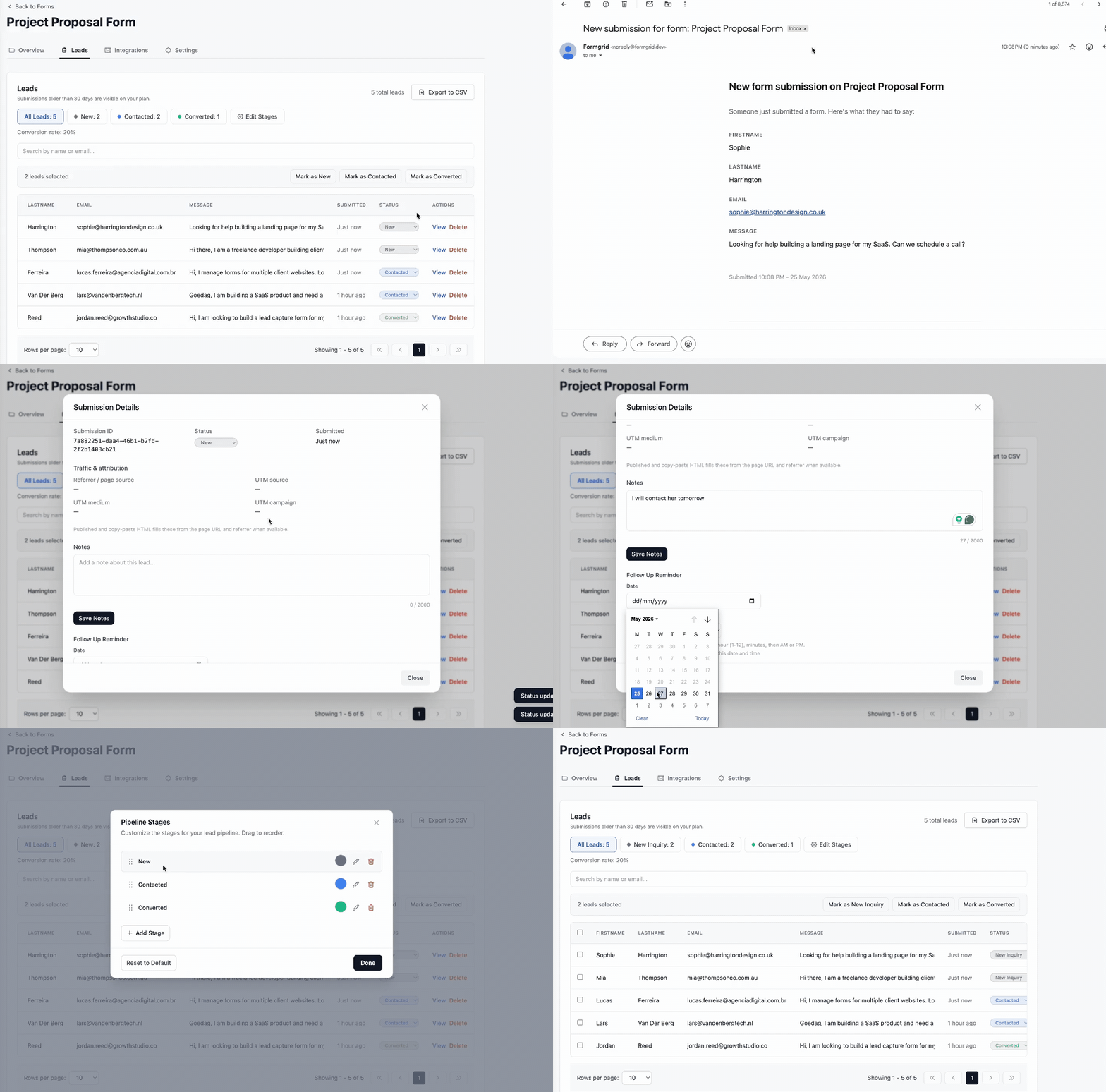
When a real visitor completes the captcha and submits the form, three things happen immediately.
You receive an email notification:
A new lead appears in your dashboard:
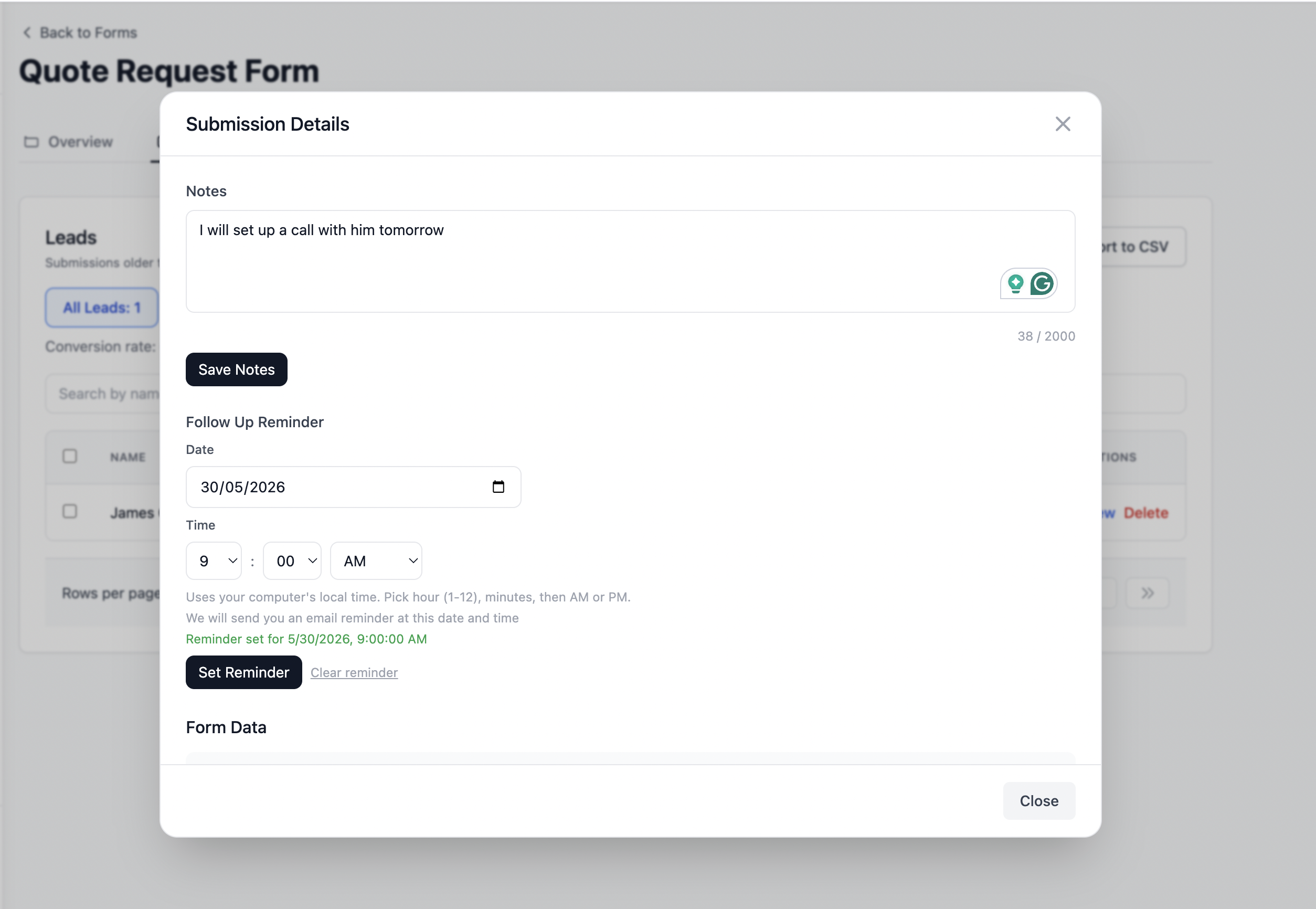
Every submission becomes a tracked lead with a status of New. You can add private notes after conversations, change the status to Contacted or Converted, and set a follow-up reminder so you never let a warm lead go cold.
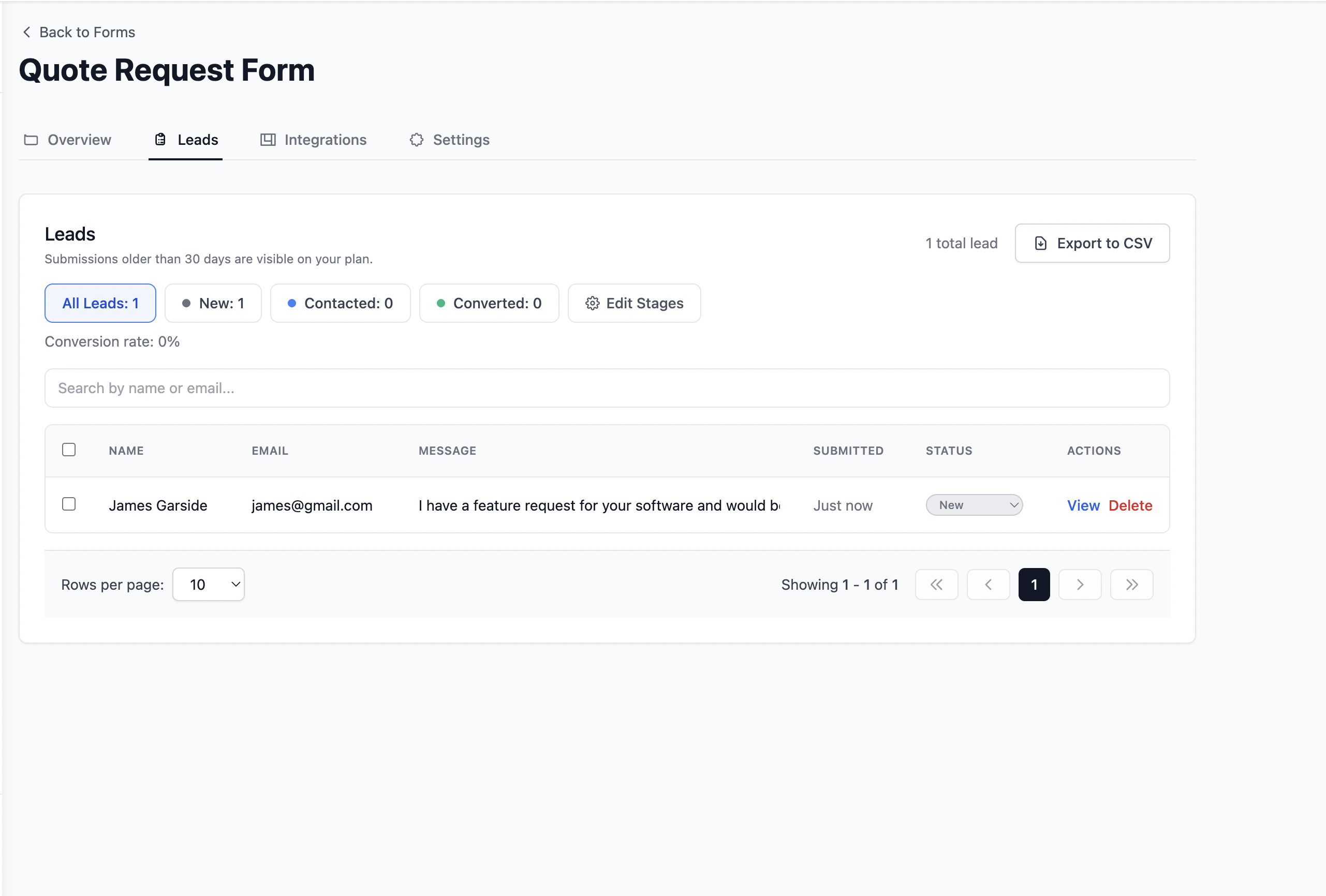
You can manage the entire lead from one place:
No inbox hunting. No spreadsheets. No separate CRM. Every lead from every form in one clean pipeline.
Why This Approach Works
Most captcha implementations require you to set up a server to verify the token. You need to:
Register with the captcha provider and get your own secret key. Set up a backend endpoint that receives the form submission. Call the captcha verification API from your server. Only process the submission if verification passes.
That is a significant amount of backend work just to protect a contact form.
Formgrid handles all of that for you. The verification happens on the Formgrid server using a pre-configured integration. You add one snippet to your HTML. Formgrid does the rest.
This is especially valuable for:
Static sites on GitHub Pages, Netlify, or Vercel that have no server at all. Webflow and Squarespace sites where you cannot run backend code. Developers who want to prototype quickly without setting up infrastructure. Non-technical users who built their form with AI and just need somewhere to send submissions.
The Complete Flow in Plain English
Visitor fills in your HTML form
Completes the hCaptcha checkbox
Clicks submit

Form sends data to your Formgrid endpoint
Formgrid verifies the captcha token
Token is valid: submission saved as a lead
               email notification sent to you
               lead appears in dashboard

Token is invalid or missing: submission blocked
                              no email sent
                              no lead created
                              200 returned to bot
Free Plan Includes Everything You Need
The free plan on Formgrid includes:
Up to 3 forms. 50 submissions per month. Spam protection and captcha. Email notifications on every submission. A full lead pipeline with New, Contacted, and Converted stages. A shareable form link if you want to use the form builder instead.
No credit card required. No time limit. No feature restrictions on the free tier for getting started.
If you outgrow 50 submissions per month, the Premium plan at $12 per month gives you 1,000 submissions, unlimited forms, Google Sheets sync, file uploads, auto-responder emails, and custom pipeline stages.
Try It Free
👉 Try Formgrid free, no credit card required Create your first form. You will have CAPTCHA protection on your HTML form in under 5 minutes.
No backend. No server. No credit card.
Allen Jones is the founder of Formgrid, an open-source form builder, form backend, and lead pipeline. Currently serving 300+ registered users with paying customers across Europe, North America, and Asia.
Comments
Leave a comment