
Every new form submission is added to a Google Sheet as a new row, automatically, in under 3 minutes to set up. No Zapier, no Google Cloud Console, no OAuth screens.
Most form tools make this harder than it needs to be.
Formspree charges around $90 a month for Google Sheets integration. Other tools send you to the Google Cloud Console to set up OAuth credentials, create a project, enable APIs, and configure consent screens. For a non-technical user who just wants their submissions in a spreadsheet, that process is a nightmare before you have even collected one entry.
Formgrid does it differently. Share a Google Sheet with one email address, paste the URL, and every new submission appears as a new row automatically.
Short Version
Skip Zapier and the Google Cloud Console entirely. Share your Google Sheet with Formgrid's service account email as an Editor, paste the sheet URL into your form's Integrations tab, and click Connect. Column headers are created automatically from your form fields, existing submissions can sync on connection, and every new entry appears in seconds.
Set it up now, or keep reading for the full walkthrough with screenshots.
Who This Is For
This guide is for anyone who collects form submissions and wants them organized in a Google Sheet automatically.
Event organizers collecting registrations for workshops, rides, conferences, or community events that need submissions in a spreadsheet for their team to review.
Small business owners collecting client enquiries, booking requests, or service applications who manage everything in Google Sheets.
HR teams and hiring managers collecting job applications who want every submission in a shared spreadsheet for the team to review together.
Course creators and coaches collecting student enquiries or enrollment requests who track leads in Google Sheets.
Nonprofits collecting volunteer applications, membership forms, or donation enquiries who need a simple, organized record of every submission.
If you collect forms and live in Google Sheets, this integration was built for you.
What You Get
Every new submission appears as a new row in your spreadsheet automatically. No manual export, no copy and paste, no checking a dashboard every day.
Column headers are created automatically from your form field names on the first submission. You do not need to set up the spreadsheet yourself.
Existing submissions can be synced to your sheet on connection, so your entire submission history appears immediately if you want it there.
The integration runs in real time. The moment someone submits your form, the row appears in Google Sheets.
Try it on your own form. No credit card required.
Before You Start
Google Sheets integration is available on Formgrid's Premium and Business plans. The free plan covers submission collection, email notifications, and your dashboard; Sheets sync unlocks once you upgrade.
Step by Step: Connect Google Sheets to Your Form
Step 1: Open Your Form and Go to the Integrations Tab
Log in to your Formgrid dashboard at formgrid.dev.
Click on the form you want to connect to Google Sheets.
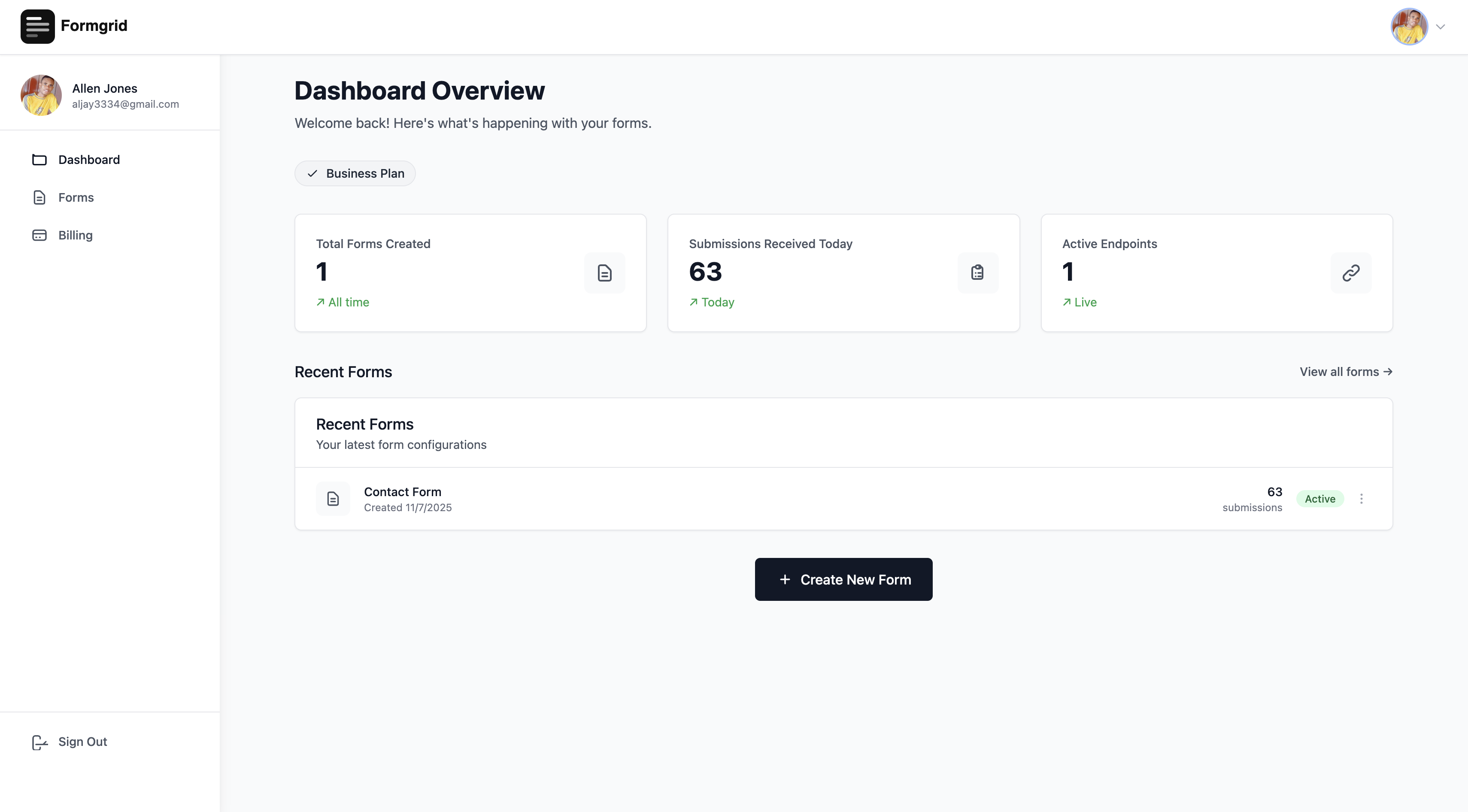
Click the Integrations tab at the top of your form page.
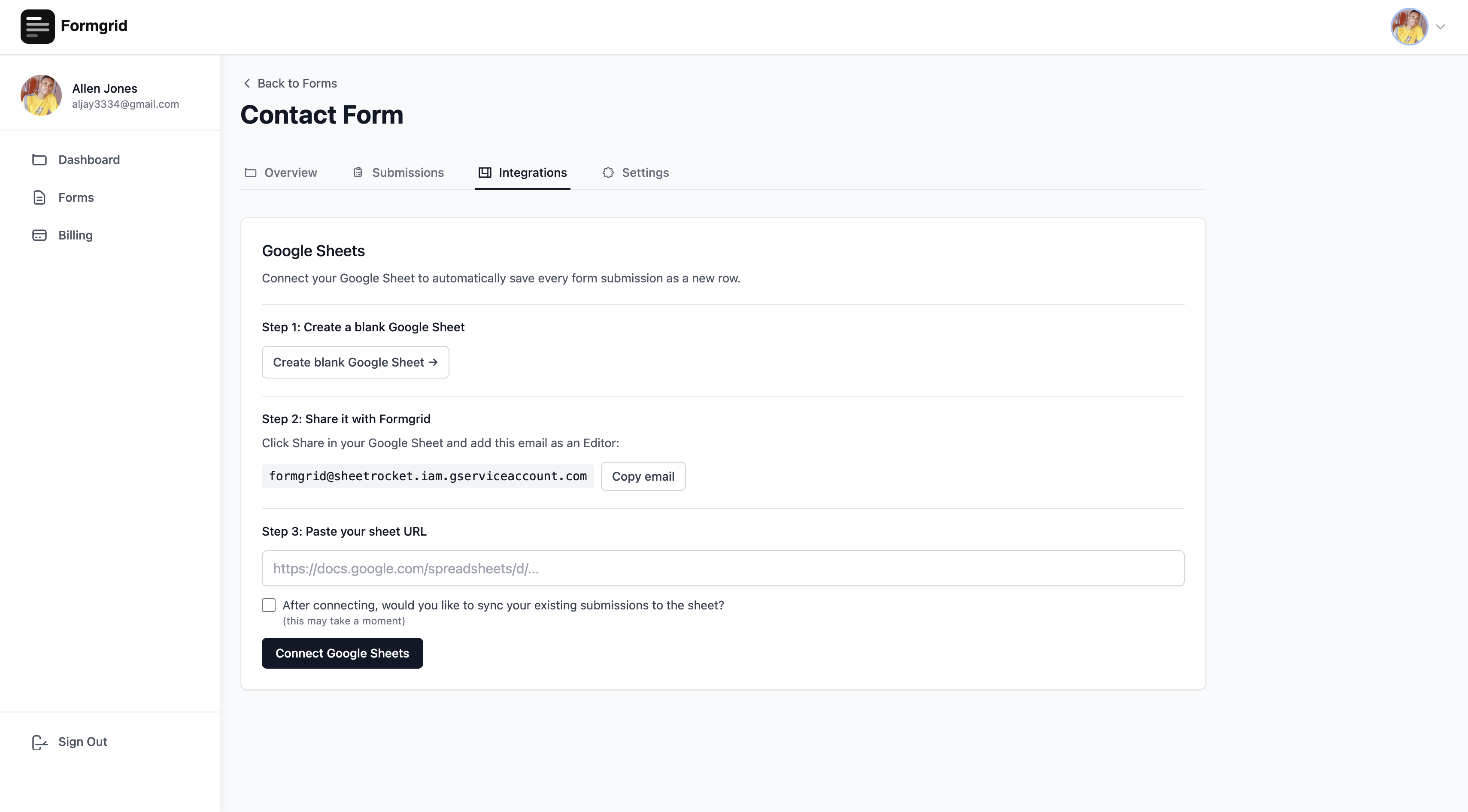
You will see the Google Sheets integration section.
Don't have an account yet? Create one here.
Step 2: Create a Blank Google Sheet
Click the Create blank Google Sheet button. This opens Google Sheets in a new tab with a fresh blank spreadsheet.
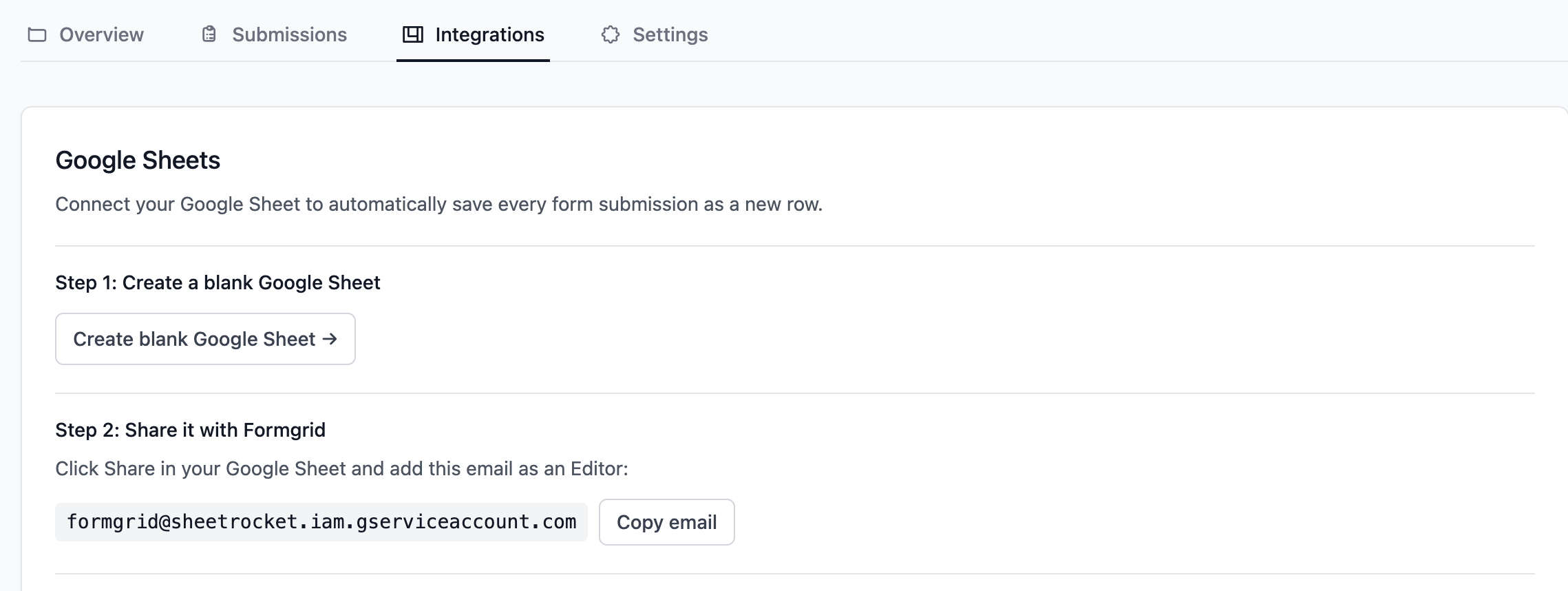
Give your sheet a name that makes it easy to identify. Something like "Formgrid: Contact Form Submissions" or "Event Registrations 2026."
You do not need to create any columns or set up any structure. Formgrid creates the column headers automatically from your form fields on the first submission.
Step 3: Share the Sheet with Formgrid
In your Google Sheet, click the Share button in the top right corner.
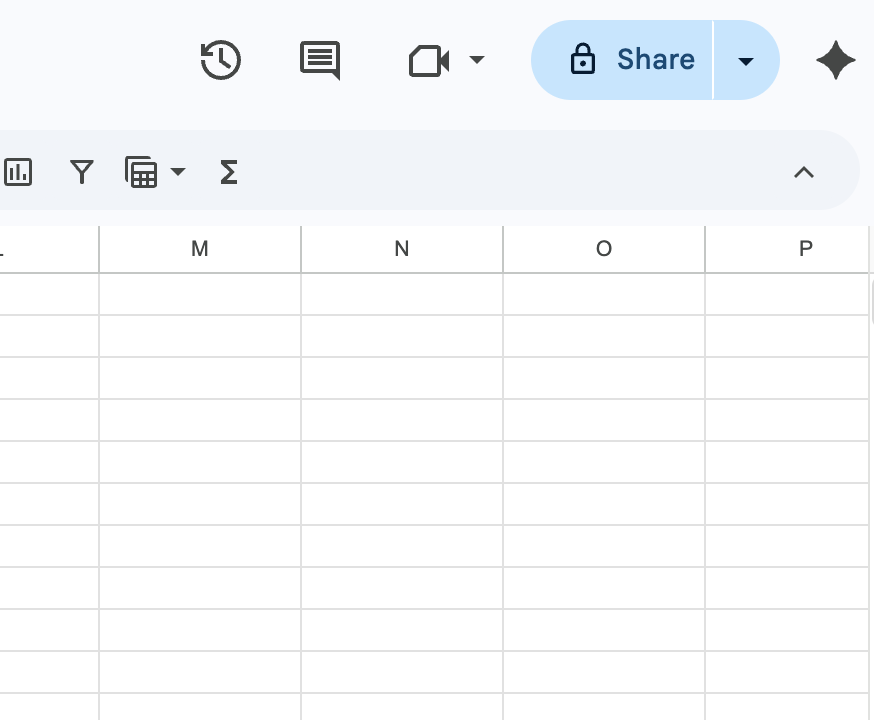
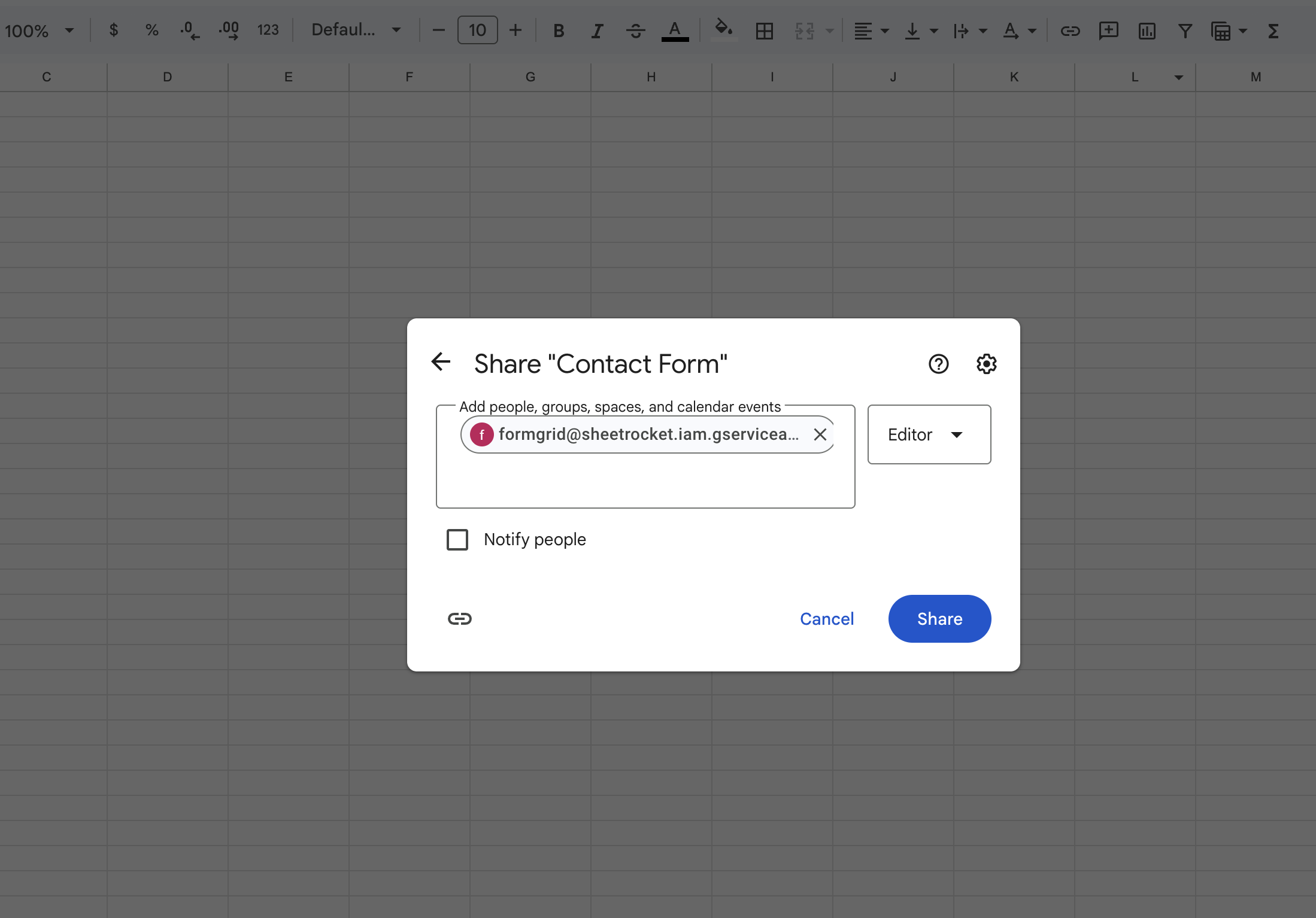
In the Share dialog, add this email address as an Editor:
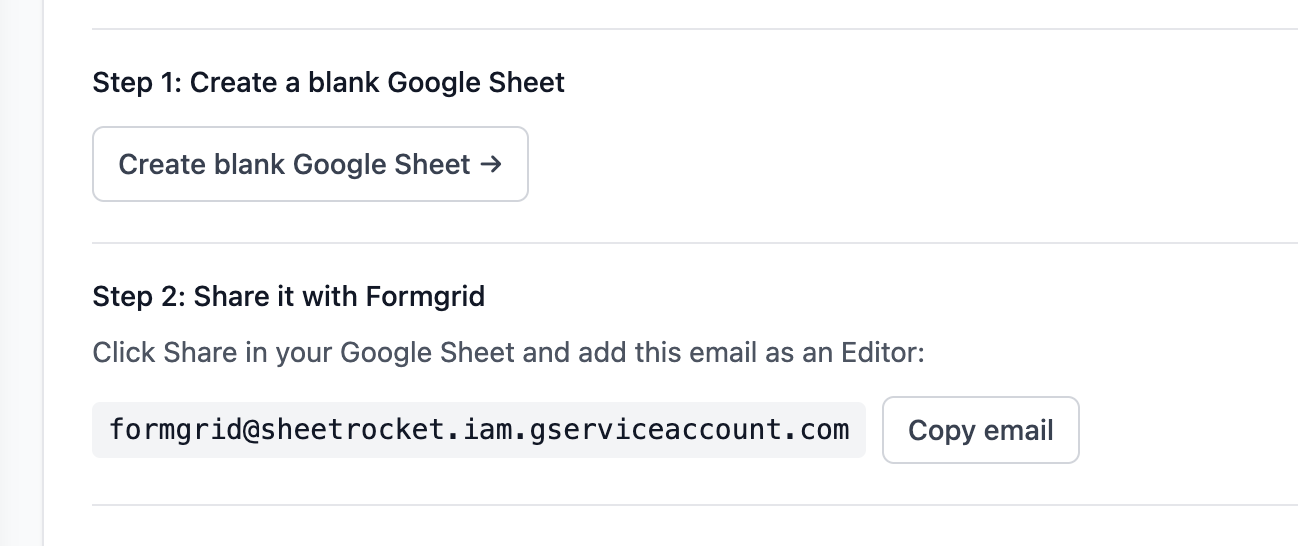
formgrid@sheetrocket.iam.gserviceaccount.comBack in your Formgrid dashboard, the service account email is shown with a Copy button so you can copy it with one click and paste it directly into Google Sheets.
Make sure you select Editor, not Viewer. Formgrid needs Editor access to write new rows to your sheet.
Click Send or Done in the Google Sheets share dialog.
Step 4: Paste Your Sheet URL Into Formgrid
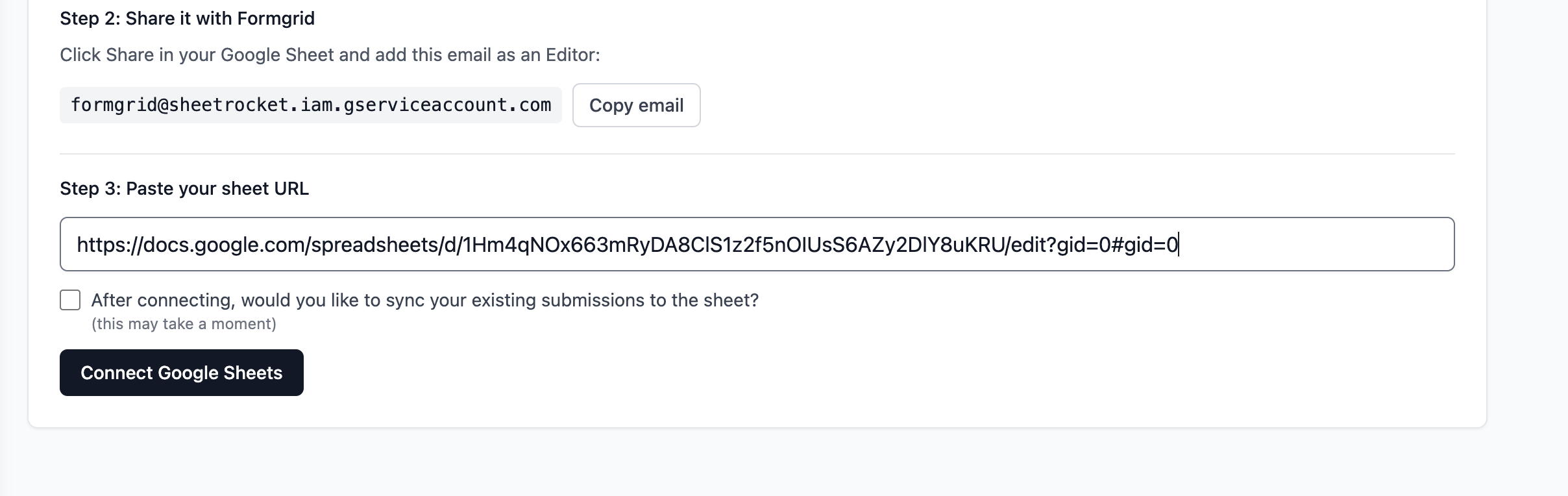
Go back to your Formgrid dashboard. Copy the URL of your Google Sheet from your browser address bar. It will look something like this:
https://docs.google.com/spreadsheets/d/1BxiMVs0XRA5nFMdKvBdBZjgmUUqptlbs74OgVE2upms/editPaste the full URL into the sheet URL field in Formgrid.
Step 5: Choose Whether to Sync Existing Submissions
Before clicking Connect, you will see this option:
Sync existing submissions to this sheet?

If you already have submissions, Formgrid can add them all to your
Google Sheets now, so your entire history is in one place.

[ ] Yes, sync my existing submissions
Check this box if you want your existing submission history to appear in the sheet immediately after connecting. Leave it unchecked if you only want new submissions going forward.
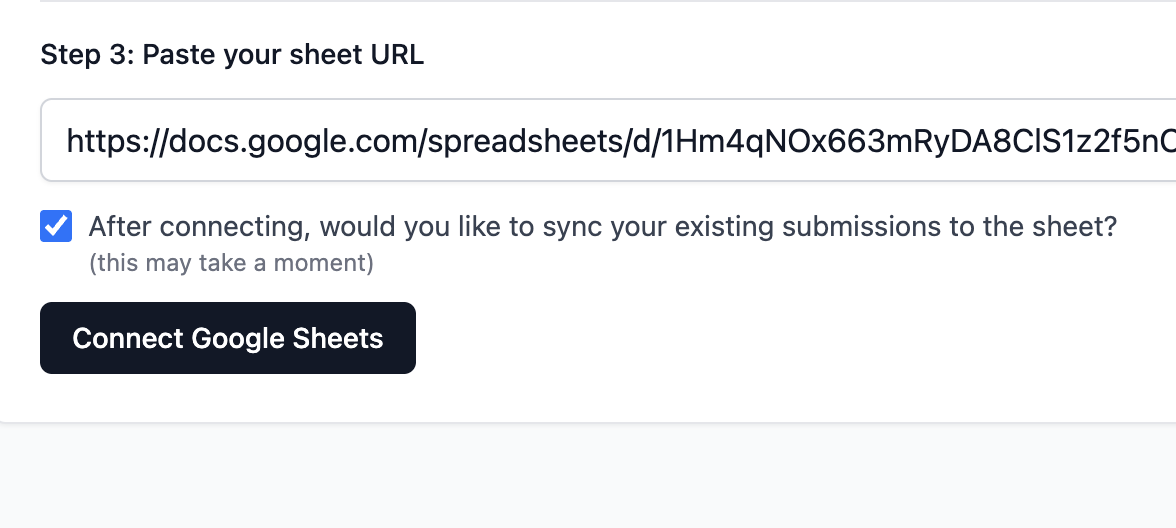
Step 6: Click Connect
Click the Connect Google Sheets button. Formgrid will verify it can access your sheet, confirm the service account has Editor access, save the connection, and sync existing submissions if you selected that option.
If everything is set up correctly, you will see this success message:
Connected successfully

Your sheet is ready. Every new submission will appear as a new row automatically.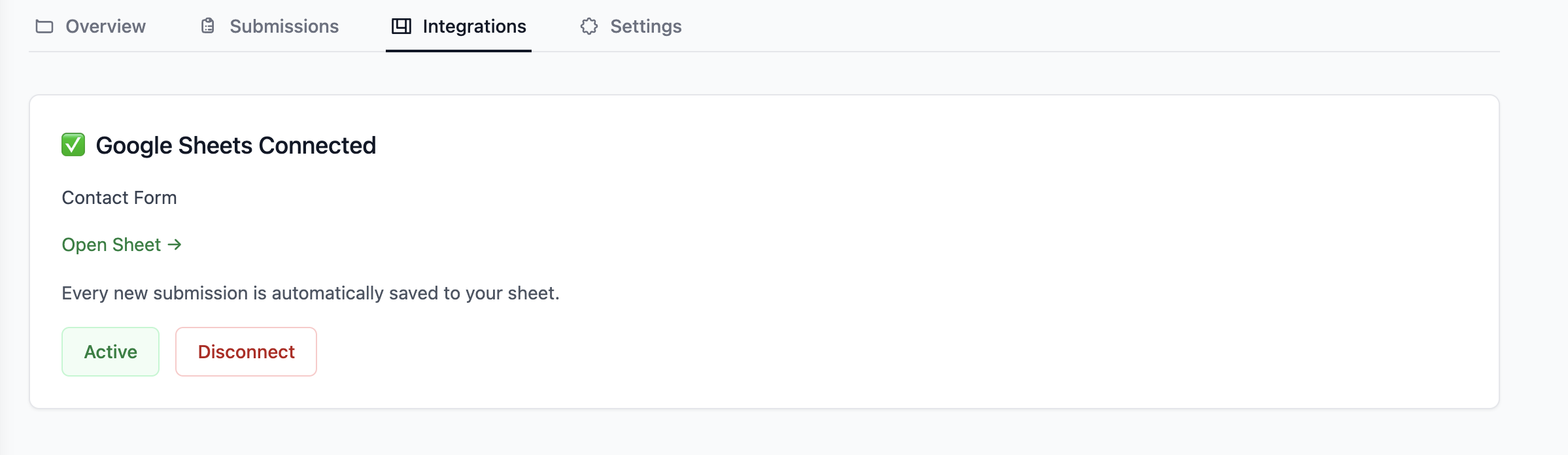
Step 7: Submit a Test Entry
Go to your form and submit a test entry with dummy data. Open your Google Sheet. Within seconds, you will see row 1 with column headers created automatically from your form field names, and row 2 with the test submission data and a timestamp in the last column.
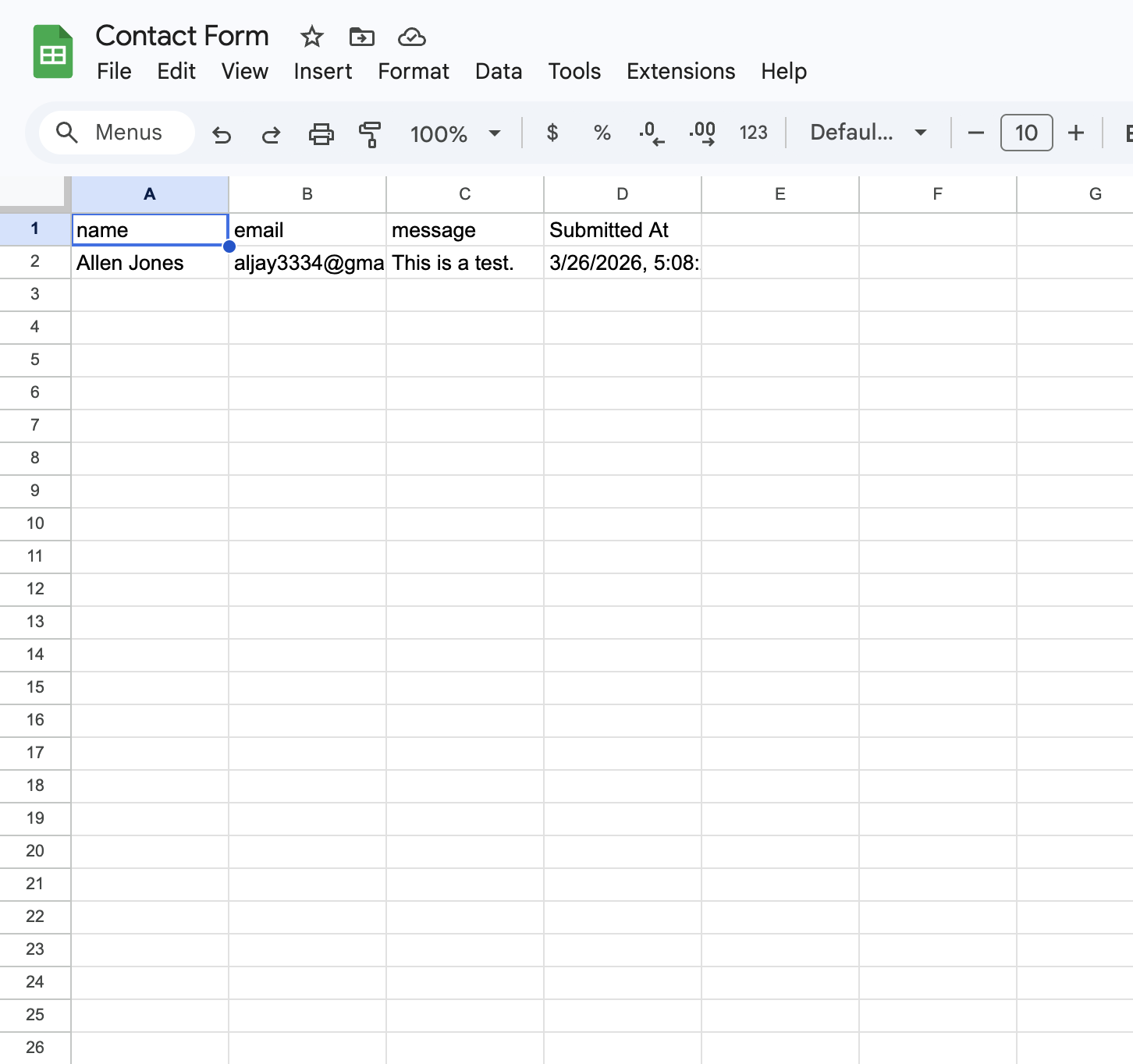
Every subsequent submission appears as a new row below this one automatically. You never need to log in to Formgrid to get your data; it goes straight to Google Sheets.
Connect your first sheet now. No credit card required.
What Happens For Every New Submission
Visitor fills out your form
          ↓
Formgrid receives the submission
          ↓
Submission saved to Formgrid dashboard
          ↓
Email notification sent to you
          ↓
New row added to your Google Sheet
          ↓
All of this happens in seconds
You get the submission in three places simultaneously: your email inbox, your Formgrid dashboard, and your Google Sheet.
Managing Your Connection
Once connected, the Integrations tab shows your connection status.
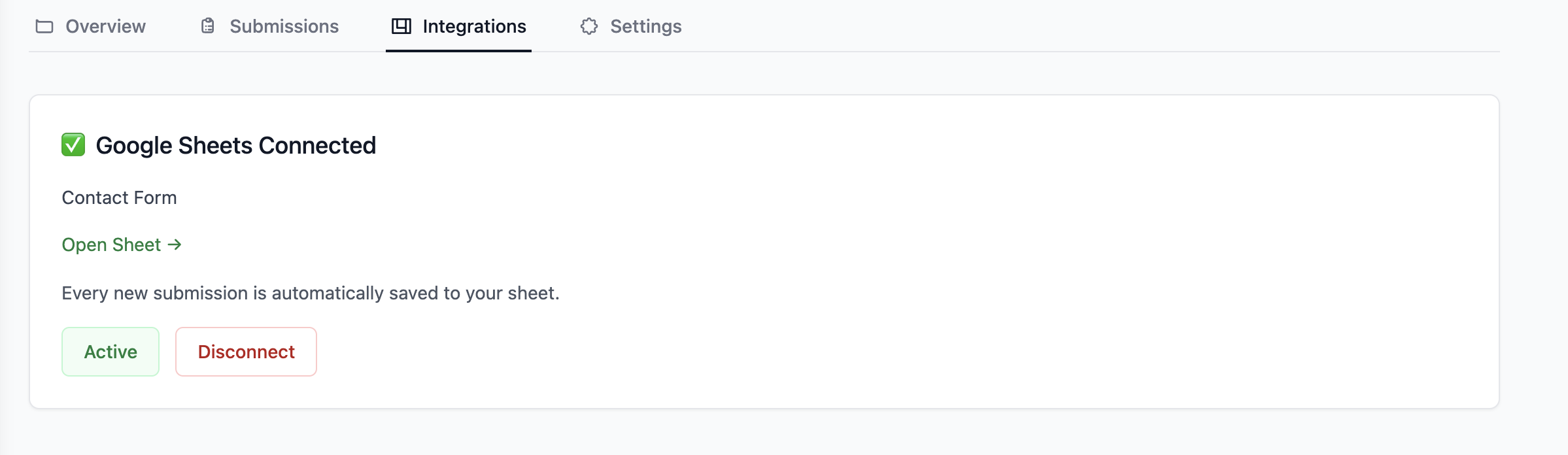
Pause the integration using the Active toggle. When paused, new submissions are still saved to Formgrid but not sent to Google Sheets. Toggle it back on to resume.
Disconnect removes the connection entirely. Your existing sheet data stays in Google Sheets, but new submissions no longer sync.
Open Sheet takes you directly to your Google Sheet with one click.
Troubleshooting
"Could not access this sheet"
Formgrid does not have Editor access to your sheet. Go back to Google Sheets, click Share, and make sure the Formgrid service account email is added as an Editor, not a Viewer.
"Invalid Google Sheets URL"
Make sure you copied the full URL from your browser address bar, including the spreadsheet ID. The URL should contain /spreadsheets/d/ followed by a long string of characters.
Submissions not appearing in sheet
Check that the integration is Active in your Integrations tab. If it shows Paused, click the toggle to resume.
Still stuck? Reach out and we'll help you get it connected.
How This Compares to Zapier
| Zapier Route | Formgrid Native | |
|---|---|---|
| Setup time | 20 to 40 minutes | Under 3 minutes |
| Extra cost | $19.99 per month for Zapier | Included with Formgrid Premium |
| Steps required | 6 to 8 steps | 3 steps |
| Real time | Depends on Zap frequency | Instant |
| Technical knowledge | Medium | None |
How This Compares to Formspree
Formspree includes Google Sheets integration only on a high-tier plan, around $90 a month for Sheets sync, with paid plans otherwise starting at $15 a month.
Formgrid includes Google Sheets sync on the Premium plan at $12 a month, the same plan that also unlocks file uploads, CSV export, and advanced spam protection.
Formgrid Plans and Features
Free plan ($0/month) includes:
50 submissions per month Email notifications Spam protection Dashboard access for all submissions
Premium plan ($12/month) includes:
1,000 submissions per month Google Sheets sync File uploads and CSV export Advanced spam protection Remove Formgrid branding
Business plan ($29/month) includes:
15,000 submissions per month Unlimited Google Sheets sync Everything in Premium Custom HTML email templates Auto-responder emails Webhooks and integrations Multiple notification recipients Priority support
No contracts. Upgrade only when your usage grows.
Real World Example
Annie manages endurance horse riding events in San Diego.
Every time someone registered for her ride, she received an email with all the registration details in one long, unformatted block. No labels, no sections, no structure. Her event manager had to manually scan through every registration to find what she needed. For a 200-person event, that was hours of unnecessary work.
She now uses Formgrid with Google Sheets connected. Every registration appears instantly in a shared Google Sheet her entire team can see, rider name, horse details, session selection, payment status, all organized, all automatic.
"The level of personal support was impressive."
Annie Libby Event Manager, San Diego Endurance Riders
Set up your own sheet like Annie's.
Final Thoughts
Google Sheets integration should not cost $90 a month or require 40 minutes of technical setup. It should just work.
Three steps. Under 3 minutes. Every submission in your spreadsheet automatically.
👉 Try Formgrid free at formgrid.dev. Google Sheets sync is included on the Premium plan at $12 a month, or Business at $29 a month for unlimited sync.
Full disclosure: I built Formgrid. Written as honestly as I could. Let me know in the comments if anything looks off.

Comments
Leave a comment