Why teams look past Jotform
Jotform is capable software. Many teams still outgrow the fit: cost climbs with usage, the product surface area is huge, and simple workflows start to feel heavy.
- Pricing pressure: when submissions, seats, or features stack up, the bill is hard to predict. That is a common reason people search for a Jotform pricing alternative.
- Feature weight: power is useful until every screen asks for one more setting.
- Time to value: you may only need a clean form, a reliable endpoint, and organized responses.
- Website fit: you want a form that matches your site and your process, not a separate universe to manage.
What Formgrid does differently
Formgrid is simpler than Jotform by design: fewer layers between you and a working form. Setup is faster, pricing stays easier to understand, and you get builder plus backend in one workflow so you are not duct taping tools together.
- Visual builder: drag and drop fields, publish, share a link. Built for people who do not want to read a manual first.
- HTML when you want it: point your existing form at a Formgrid endpoint. Same submission pipeline, your markup, your CSS.
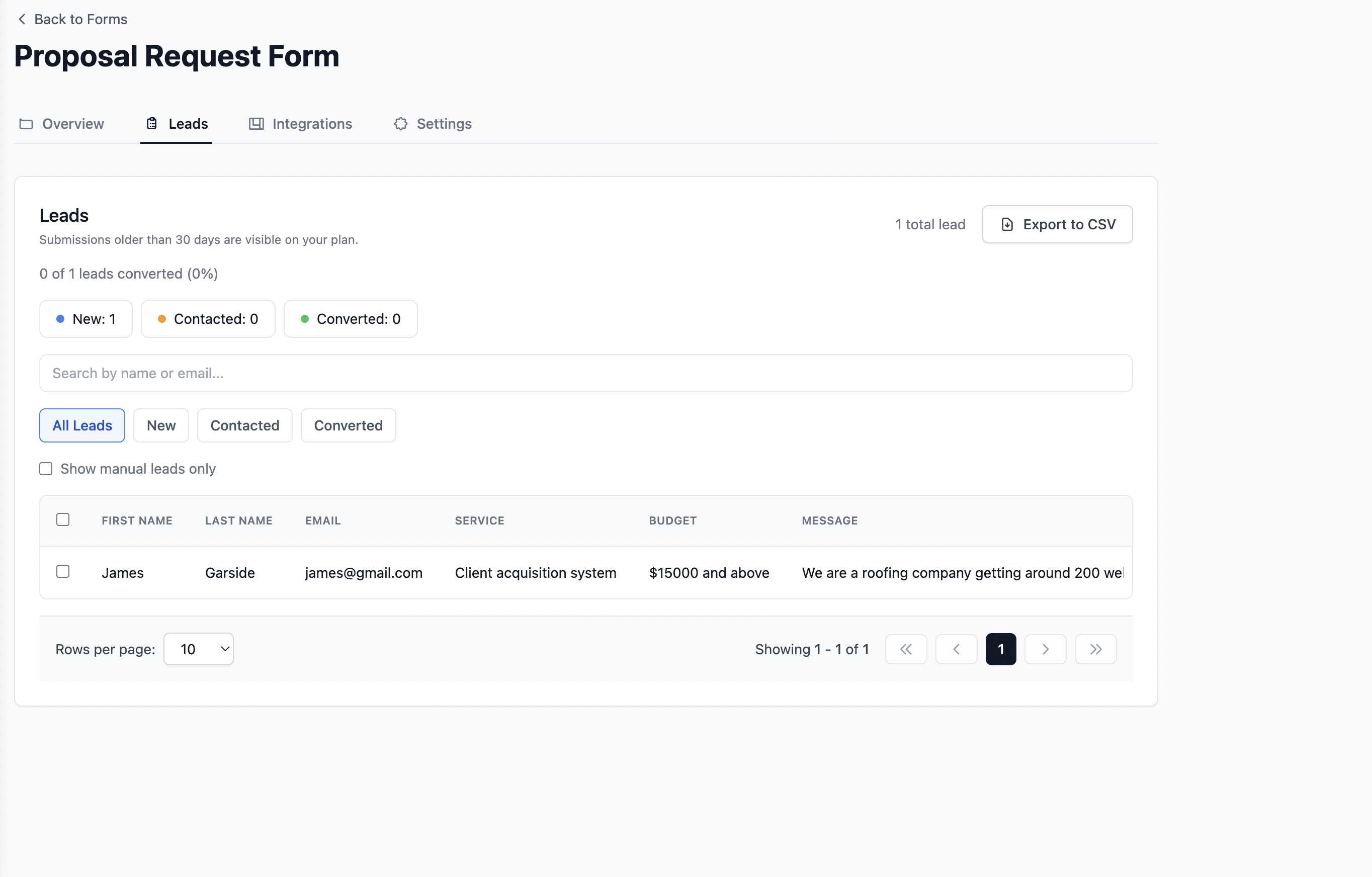
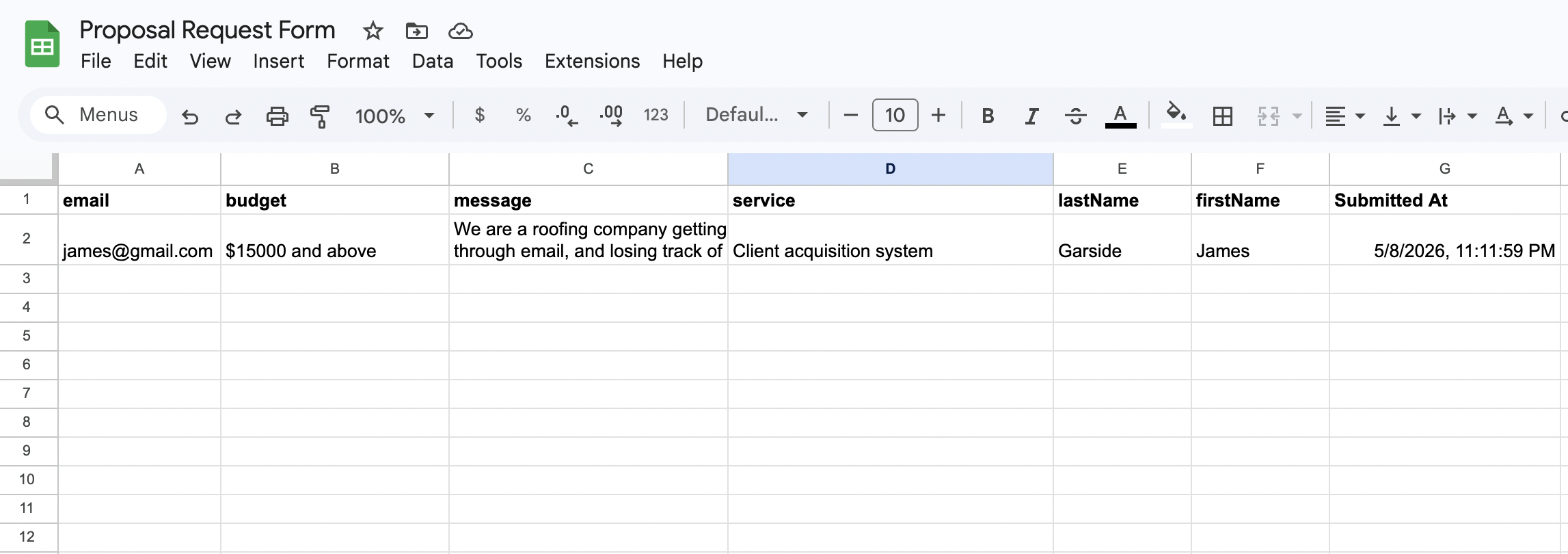
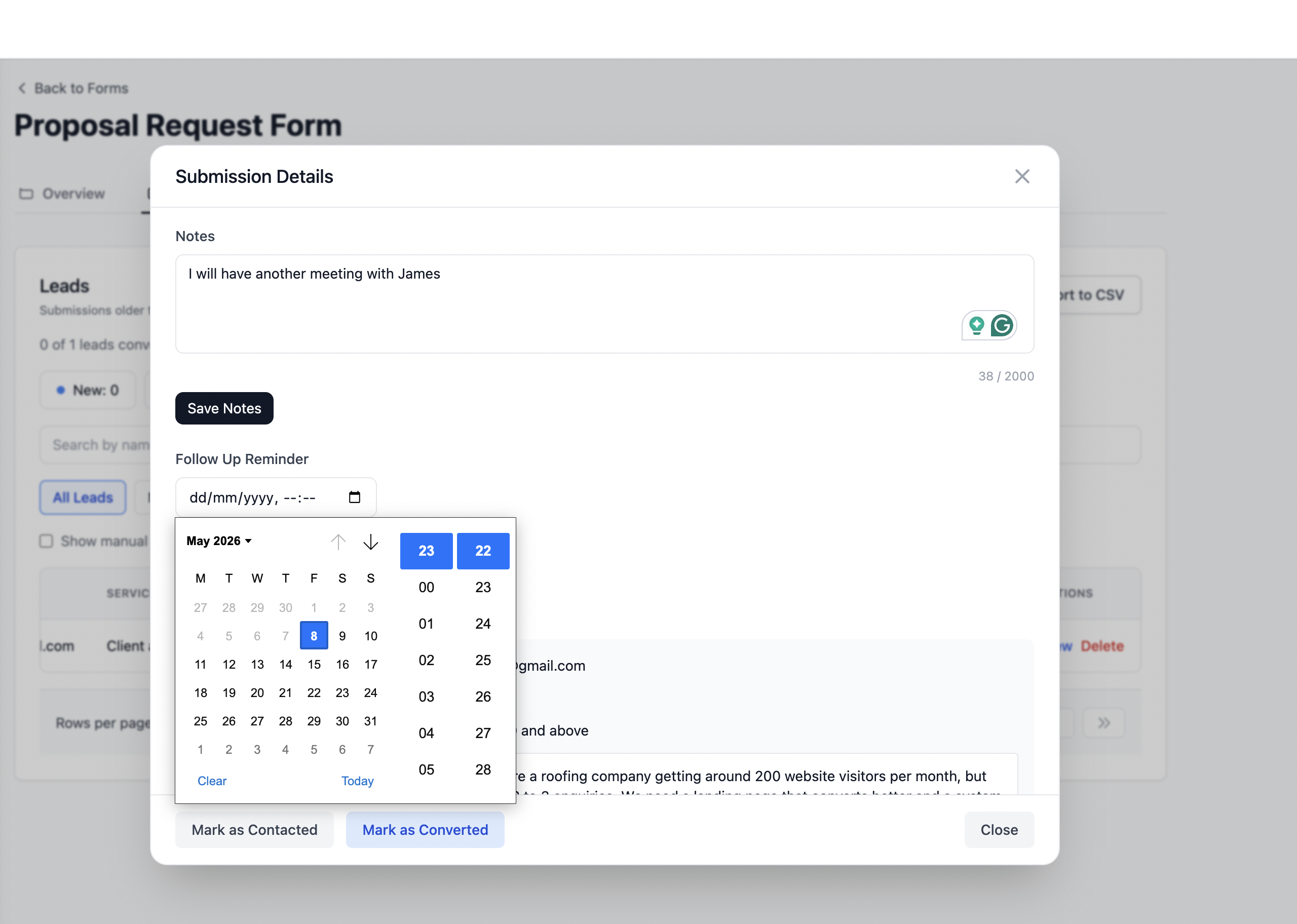
- Submissions you can use: responses stay structured and easy to scan, export, and act on.
Real example: Annie runs a weekend market
Annie is not a developer. She needed vendor applications, volunteer signups, and a short customer feedback form. Her old setup buried answers in noisy threads.
I needed one place for applications and signups. I built three small forms in Formgrid, sent links in my newsletter, and stopped copying answers out of messy emails.
On market weekend I could scan submissions in order, see who still owed a fee, and hand off a clean list to my team. What used to take most of a Sunday now takes a short block of time.
How it works
You can treat Formgrid like a form backend for static sites, or build entirely inside the product.
- Create a form in the builder, or keep your HTML and attach our endpoint.
- Copy your endpoint URL into the form
action, or share the hosted form link. - Collect submissions in one dashboard. Export or review when you are ready.
HTML example
<form action="https://formgrid.dev/api/f/your_form_id" method="POST">
<input type="text" name="name" required />
<input type="email" name="email" required />
<button type="submit">Submit</button>
</form>
Replace your_form_id with the ID from your Formgrid dashboard.
Formgrid vs Jotform at a glance
This is a practical comparison for teams comparing a Jotform alternative on speed, cost, and fit.
| Topic | Jotform | Formgrid |
|---|---|---|
| Learning curve | Wide feature set, more to learn | Focused flow, quicker first publish |
| Pricing feel | Tiers and add ons add up | Straightforward plans, built to stay approachable |
| Builder | Included | Included |
| Form endpoint for your HTML | Possible with setup | First class: point action to Formgrid |
| Time to live | Varies by use case | Often minutes for a first form |
Who this fits
- Business owners who want reliable forms and predictable effort.
- Agencies who ship many small sites and need a repeatable backend.
- Non technical users who prefer a guided builder over wiring integrations.
- Developers who want a simple POST endpoint and clean submissions without a heavy stack.