
A few months ago, I was building a website for my web design agency at leadsgrid.co.
I had the homepage done. The services page was looking good. The industry landing pages were ready. Everything was working.
Then I got to the contact form.
The Problem Every Web Developer Hits
I needed a lead capture form on the site. Not just a contact form that sends me an email. A proper form that would:
Notify me immediately when someone enquires. Store every submission somewhere I could track it. Let me see which enquiries I had followed up on and which ones I had not. Tell me which marketing channel sent each lead.
I had built this before. I knew what it involved.
A PHP backend to receive the POST request. An email sending library to format and deliver the notification. A database to store submissions. A dashboard to view them. Spam protection so bots do not flood the inbox. Something to track UTM parameters.
I looked at my shared hosting on Namecheap. cPanel. PHP 8. MySQL.
I thought: I could build this.
Then I thought: I already built this. It is called Formgrid.
Why I Almost Did Not Use My Own Tool
Here is the thing about building a product. You spend so much time inside it, thinking about edge cases and user flows and feature gaps, that you sometimes forget to step back and see what it actually does.
I almost went down the cPanel route out of habit. The same habit that makes developers spin up a Node.js backend and configure Nodemailer for a contact form when a better option already exists.
What stopped me was a simple question:
If I were not the founder of Formgrid and I needed a form backend for a static agency site right now, what would I use?
The answer was obvious.
What I Actually Did
I pointed the enquiry form on leadsgrid.co at a Formgrid endpoint.
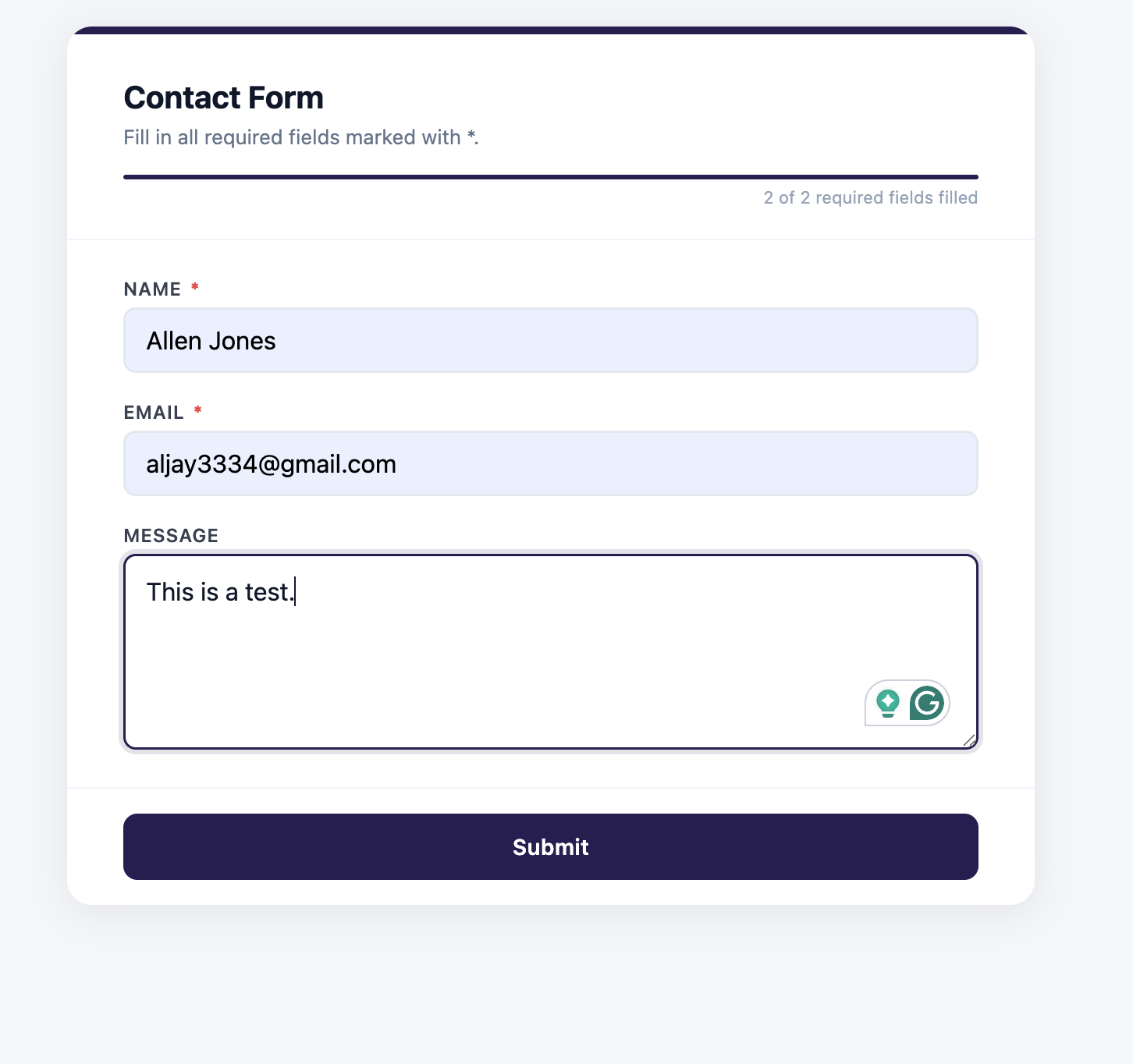
<form action="https://formgrid.dev/api/f/your-form-id" method="POST">
  <input type="text" name="name" placeholder="Your Name" required />
  <input type="email" name="email" placeholder="Your Email" required />
  <select name="package">
    <option value="">Choose a package</option>
    <option value="Lead Starter">Lead Starter $500</option>
    <option value="Lead Engine">Lead Engine $950</option>
    <option value="Lead Machine">Lead Machine $1,500</option>
  </select>
  <textarea name="message" placeholder="Tell me about your business"></textarea>
  <input type="text" name="_honey" style="display:none" tabindex="-1" autocomplete="off" />
  <button type="submit">Send Enquiry</button>
</form>
One attribute change. The form was live in two minutes.
No PHP. No cPanel. No database setup. No email configuration. No spam protection to wire up separately.
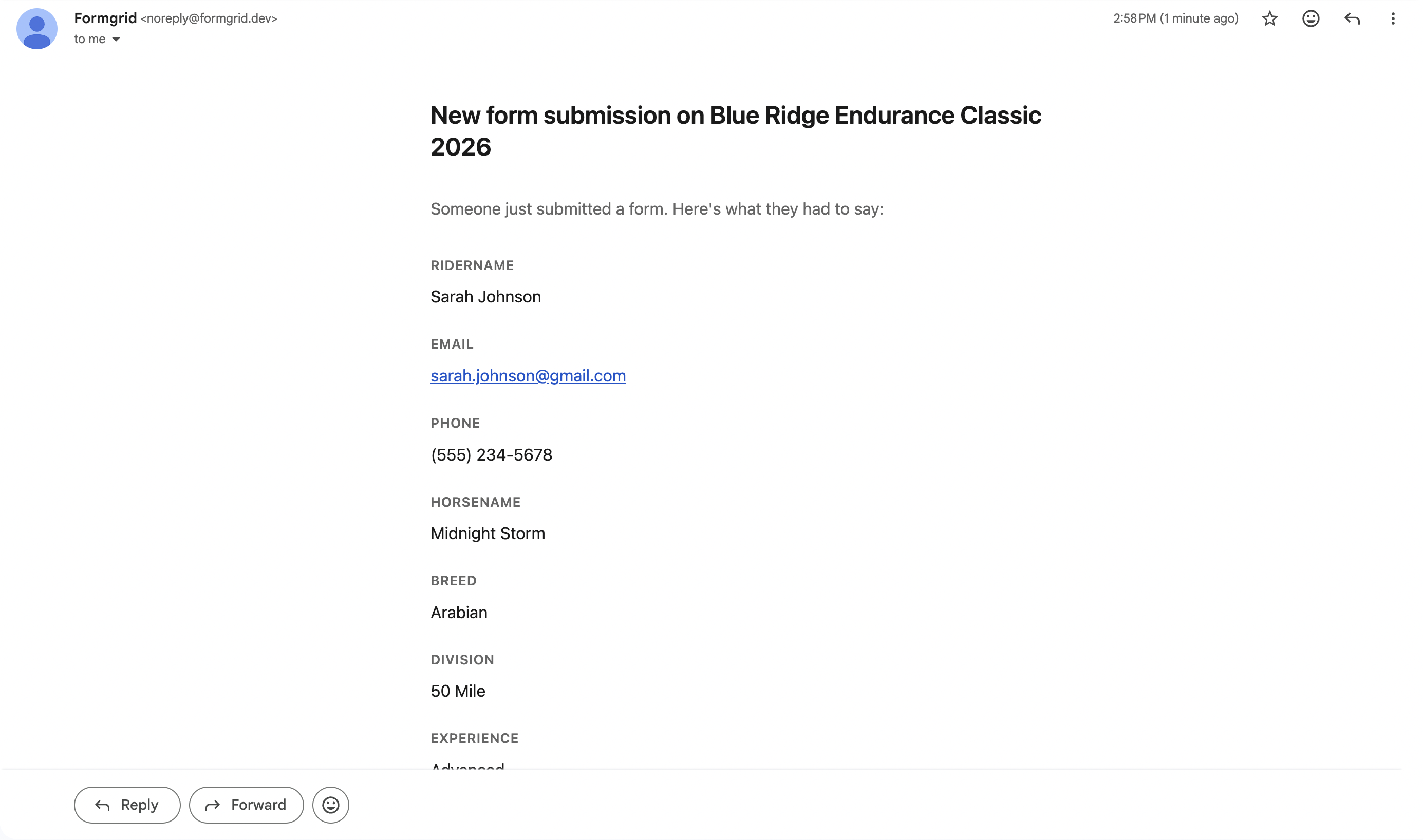
Every enquiry now arrives as an instant email notification.
Every submission lands in a shared Google Sheet my team can see without logging into anything.
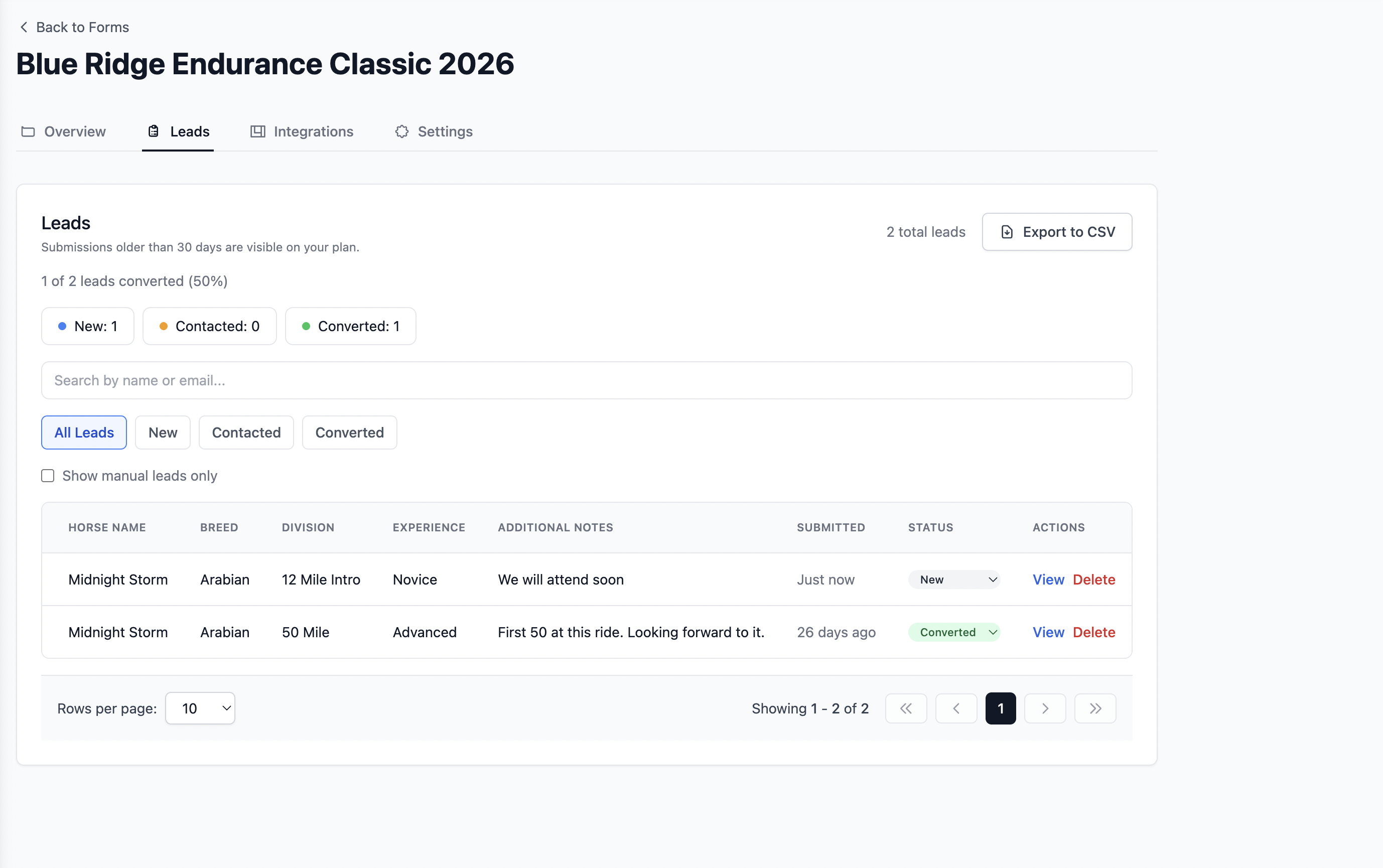
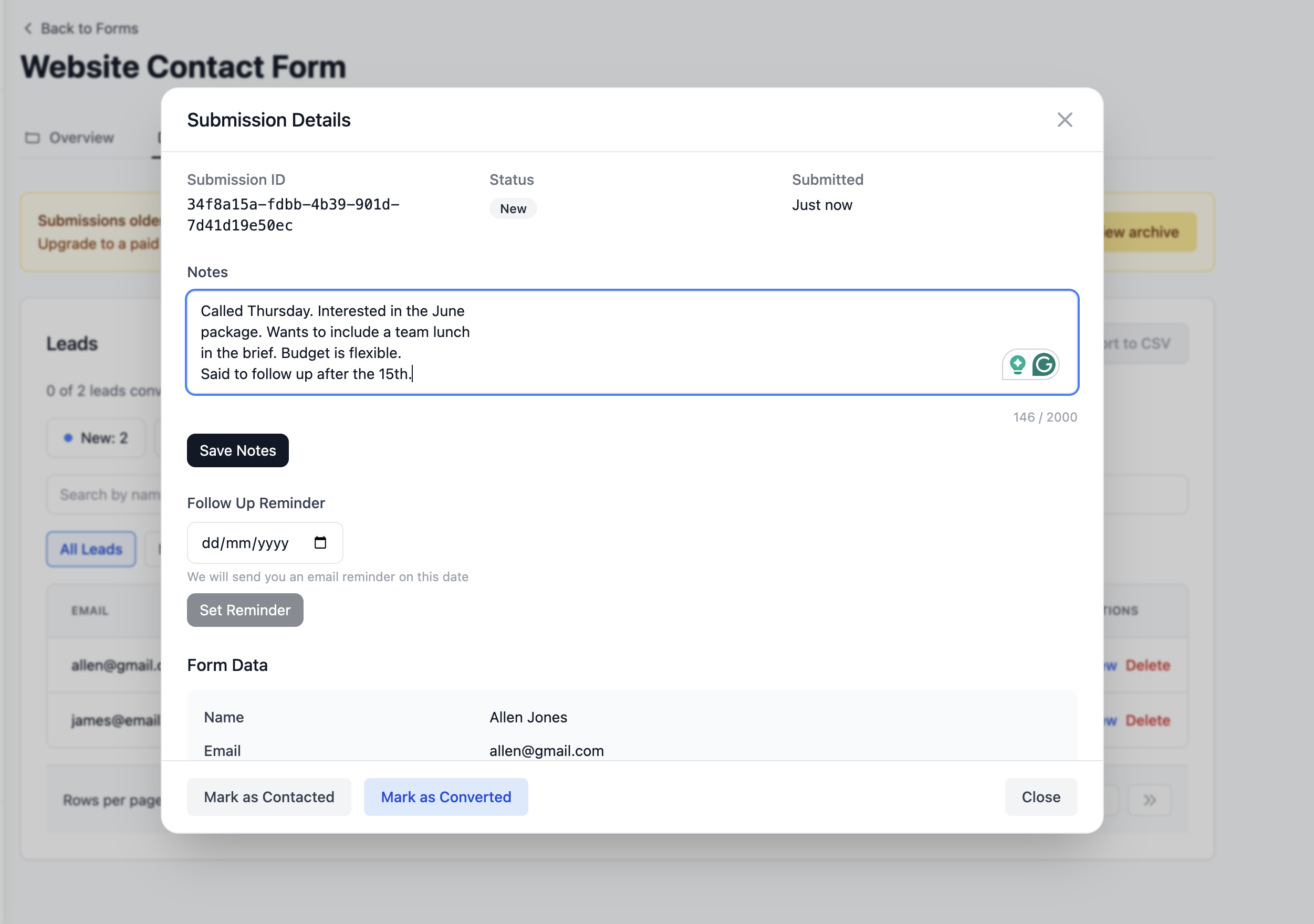
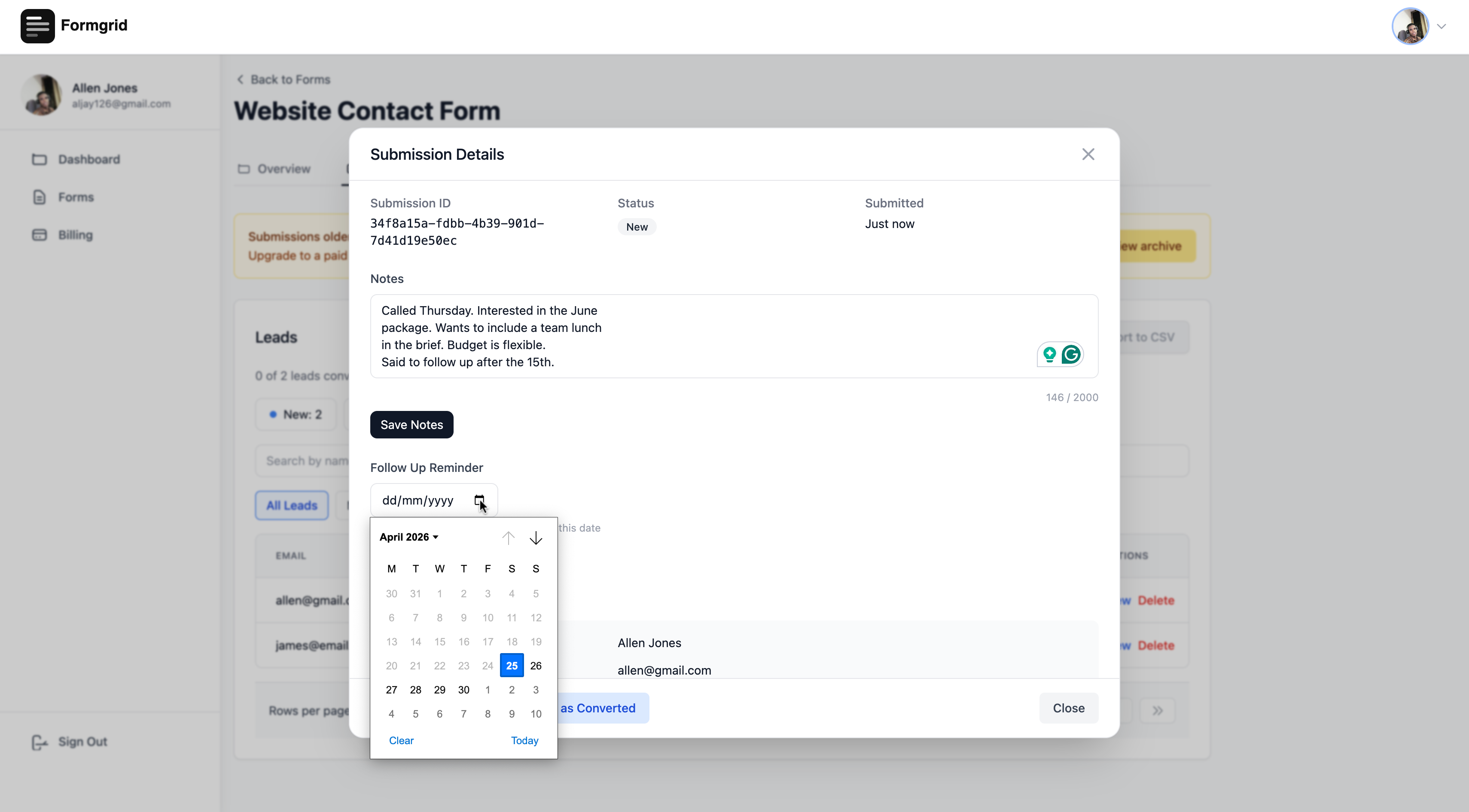
Every lead appears in a pipeline where I can see its status, add notes, and set a follow-up reminder so nobody goes cold.

The Moment I Understood Why This Matters
A few weeks after launching leadsgrid.co, one of my clients received 13 real job enquiries on the same day his website went live.
He is a tree service business owner in the US. He set up two Formgrid forms on his own without any help from me. He drove his existing traffic to the new forms.
13 enquiries. Day one.
Every single one of those landed as a tracked lead. He could see which ones he had called, which ones had not answered yet, and which ones had booked a job.
Before Formgrid, he had a WordPress site with Contact Form 7. Submissions arrived by email. Some got buried. Some he forgot to follow up on. He had no way of knowing what happened to each enquiry after it arrived.
After Formgrid, he had a pipeline.
That is not a feature. That is the difference between running a business and guessing at one.
What Most Developers Do Instead
I have seen a lot of client websites. The pattern is almost always the same.
The developer builds a beautiful site. Fast. Clean. Well structured. Then they get to the contact form and do one of three things:
Option 1: Contact Form 7 on WordPress
Most service businesses still run on WordPress because that is what their previous developer knew. Contact Form 7 sends submissions to an email address. The email arrives. It gets mixed in with supplier invoices and newsletters and spam. The business owner replies when they can. There is no record of which leads were followed up on. Good enquiries go cold.
Option 2: A basic form that sends an email
The developer writes a PHP script or a serverless function that receives the form data and sends an email. Better than nothing. But the same problem: everything lives in the inbox. No pipeline. No tracking. No follow-up reminders.
Option 3: Recommend a CRM
The developer suggests HubSpot or Pipedrive. The business owner tries it for two weeks and gives up because it is too complex for what they actually need. They go back to managing leads by email.
None of these serve the client well. And the developer has to rebuild the same infrastructure from scratch on every new project.
Why I Now Use Formgrid on Every Client Site I Build
The answer is straightforward.
It is the same work whether I build it myself or use Formgrid. I still need to create the form, style it, write the copy, and test it. The only thing that changes is where the data goes after submit. Pointing the action at a Formgrid endpoint costs me nothing extra.
The client gets more than they expected. They came to me for a website. They leave with a website and a complete lead management system. Pipeline, Google Sheets sync, email notifications, follow-up reminders, source tracking. That is a significantly better deliverable than a website that sends form submissions to an email inbox.
I do not maintain it. Once the form is live and connected to Formgrid, it runs without me. I am not on call when the PHP mail function breaks. I am not reconfiguring SMTP settings when the hosting provider changes. I am not debugging spam issues. Formgrid handles all of that.
My clients actually use it. The pipeline is simple enough that non-technical business owners understand it immediately. New, Contacted, Converted. That is it. They log in, they see their leads, they move them through the stages. No training required.
What This Looks Like in Practice
Here is the exact setup I now use for every service business website I build:
The form collects the information the business actually needs to respond usefully. For a roofing company, that is: type of job, property address, photo of the damage, best time to call. For a photographer, that is: type of session, preferred date, mood board upload. For a restaurant that is: date, party size, occasion, dietary requirements.
The notification arrives the moment someone submits. Full details. Instant. The business owner sees it on their phone and can call back before the potential customer tries the next result on Google.
The Google Sheet updates automatically. Every submission becomes a new row. The whole team can see new leads in real time without logging into anything new. No copying from email. No manual data entry.
The pipeline tracks every lead from arrival to outcome. New when it arrives. Contacted when they reach out. Converted when it becomes a paying job. The business owner can see their conversion rate, spot which leads need follow-up, and never let a warm enquiry go cold because it got buried in an inbox.
The source tracking shows which marketing channel sent each lead. Google search, Facebook, referral, direct. After 30 days, the business owner knows exactly which marketing is actually sending paying customers.
The Result
Since I started doing this on every client site I build:
Clients ask fewer questions about what happened to their leads. Because they can see every lead in the pipeline with its current status.
Clients renew and refer more often. Because their website is visibly generating business for them, not just sitting there looking professional.
I spend less time on maintenance. Because Formgrid handles the form backend, spam protection, email delivery, and Google Sheets sync. I build the form once and move on.
My deliverable is better. A website with a complete lead system is worth more than a website with a contact form. The client knows it. I know it. And the price reflects it.
For Web Developers and Agencies
If you build websites for clients and you are still setting up WordPress contact forms or writing custom PHP form handlers for every project, there is a better way.
Point your form at Formgrid. Every client gets a complete lead management system included in the build. You charge more because you are delivering more. And you never think about form backends again.
If you want to set this up for your own agency site or for a client site right now, Formgrid is free to start with no credit card required.
Try Formgrid free at formgrid.dev
If you want the entire system set up for you, including the landing page, form, Google Sheets sync, and lead pipeline, that is what I offer at leadsgrid.co/services. Setup from $500. Most go live in 3 to 5 days.
I built Formgrid. I use it on every site I build. This post is my honest experience with it.

Comments
Leave a comment