
If you've ever shared a form with a client or customer and noticed a "Powered by Typeform" or "Made with Jotform" badge sitting at the bottom, You already know how unprofessional it looks.
You built the form. You collected the responses. But someone else's logo is stamped all over your work.
And when you go to remove it? Most form builders want $29, $49, or even $59 per month just to take their branding off your form.
This guide shows you how to get a completely branded, watermark-free form for a fraction of that price.
Why Form Builders Put Their Branding on Your Forms
It's a deliberate freemium strategy. The free plan turns your form into a billboard for their product. Every person who fills out your form sees their brand. Every client you share a form with becomes a potential new user for them.
You're doing their marketing for free.
Here's what the major players charge to remove it:
| Form Builder | Branding Removal Plan | Monthly Cost |
|---|---|---|
| Typeform | Plus plan | $59/month |
| Jotform | Bronze plan | $34/month |
| Tally | Pro plan | $29/month |
| Formgrid | Premium plan | $12/month |
Typeform charges $59/month. Per month. Just to remove their logo from your form.
For a freelancer, small business owner, or event organizer collecting a few hundred responses per month, that's completely unjustifiable.
The Real Cost of Keeping the Branding
You might think, "It's just a small logo, who cares?" But consider these situations:
Sending a client intake form You're a freelancer or agency. You send a beautiful intake form to a new client. At the bottom, it says "Powered by Typeform." Your client sees you're using a free tool. It undermines the professional impression you're trying to make.
Running an event registration You're collecting registrations for a corporate event or workshop. Attendees fill out the form and see a third-party brand prominently displayed. It looks unpolished and raises questions about your organization.
Sharing on social media or WhatsApp You share a form link in a WhatsApp group or Instagram bio. People open it and immediately see someone else's branding. It looks like you didn't build it yourself.
Collecting job applications Candidates fill out the application form. They see "Made with Jotform" at the bottom. It signals that you haven't invested in your own tools. Not the impression you want to make as an employer.
In all these cases, the branding creates unnecessary friction and doubt. Removing it is not vanity. It's professionalism.
How to Get a Watermark-Free Form for $12/Month
Formgrid is an open-source form builder and form backend that removes all branding on the Premium plan at just $12/month.
No "Powered by Formgrid" on your forms. No watermarks. No third-party logos. Just your form, your brand, your submissions.
Here's how to set it up step by step.
Step 1: Create Your Formgrid Account
Go to formgrid.dev and sign up with Google or Email.
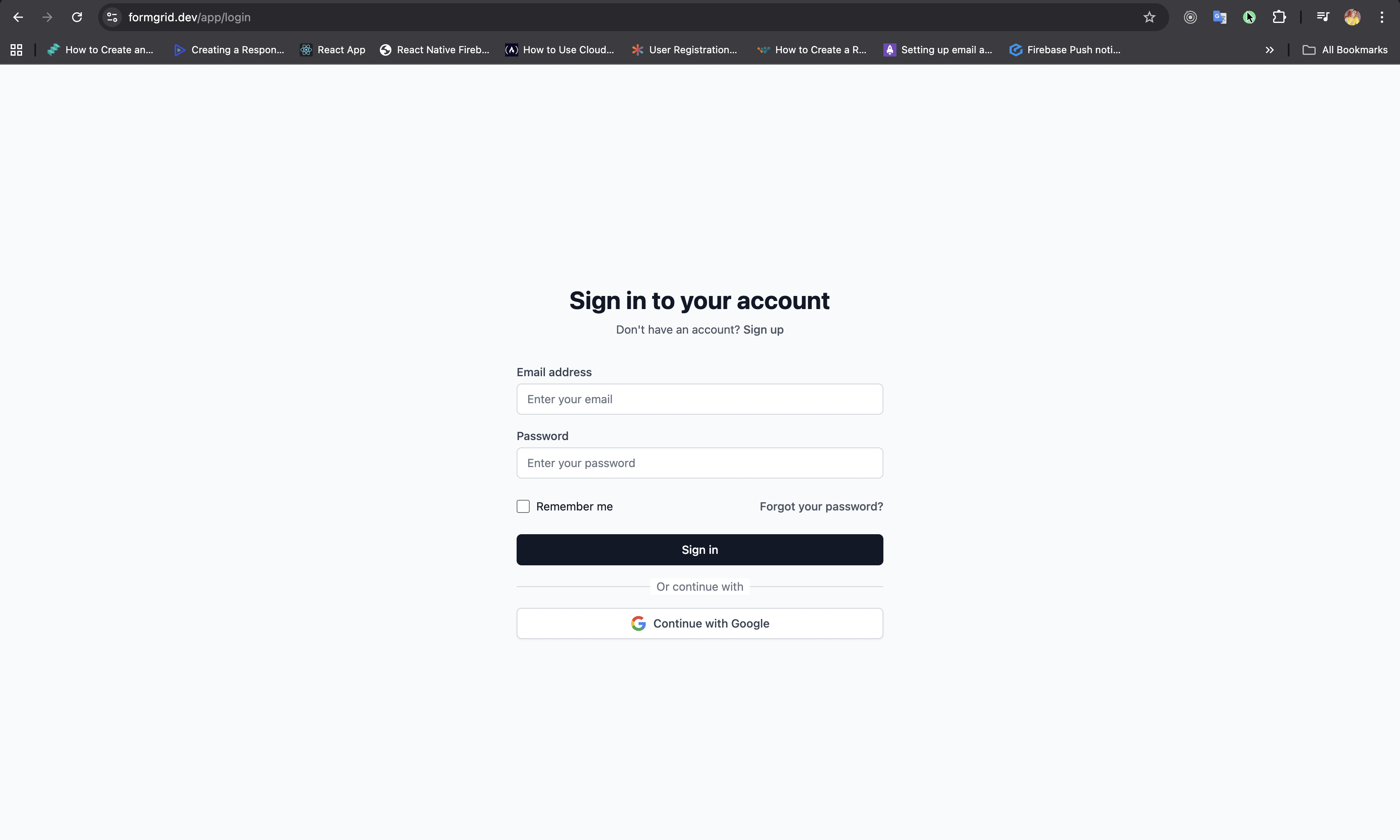
The free plan lets you explore the form builder and test everything before upgrading. No credit card required.
Step 2: Build Your Form
Click New Form from your dashboard and give it a name.
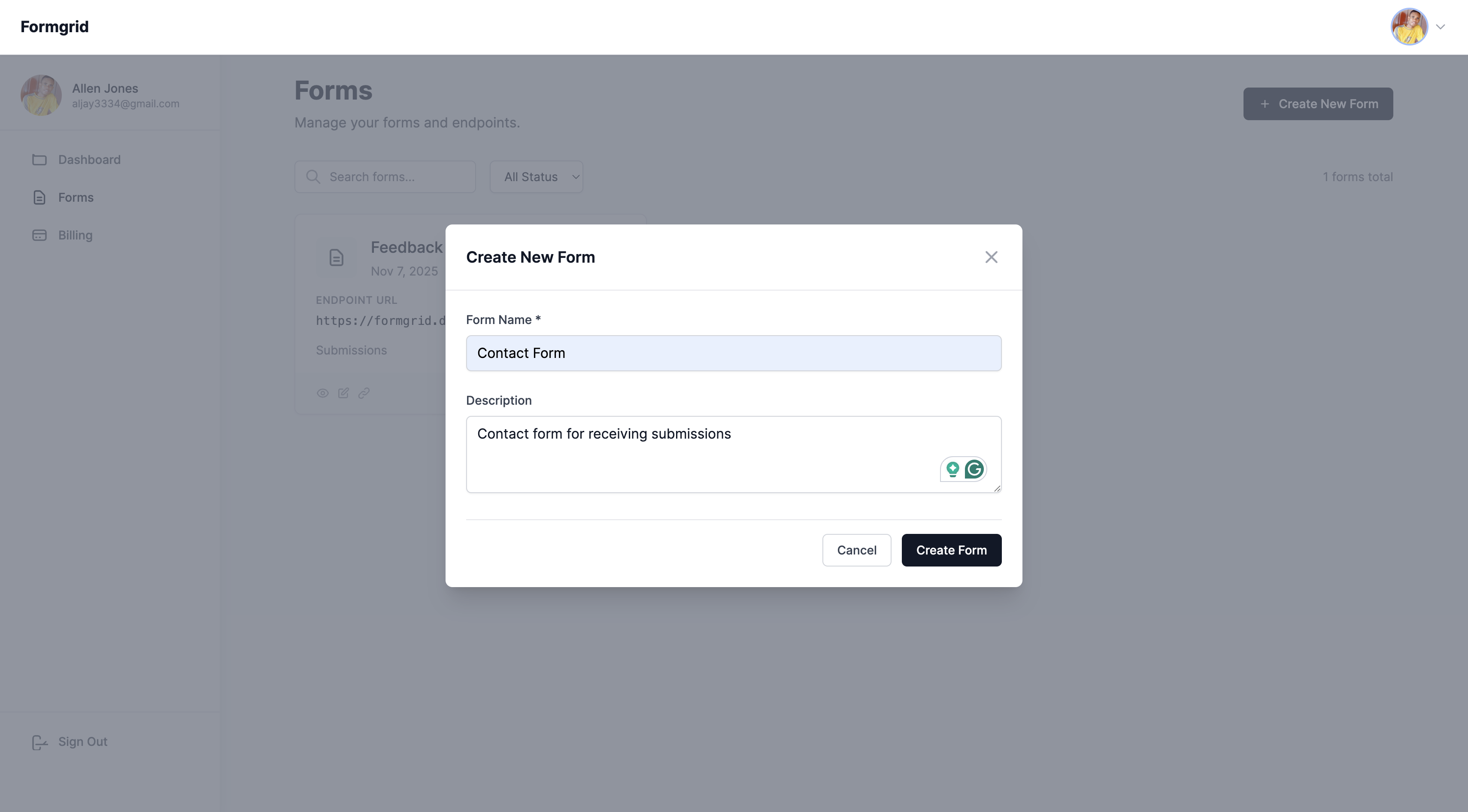
You have two options:
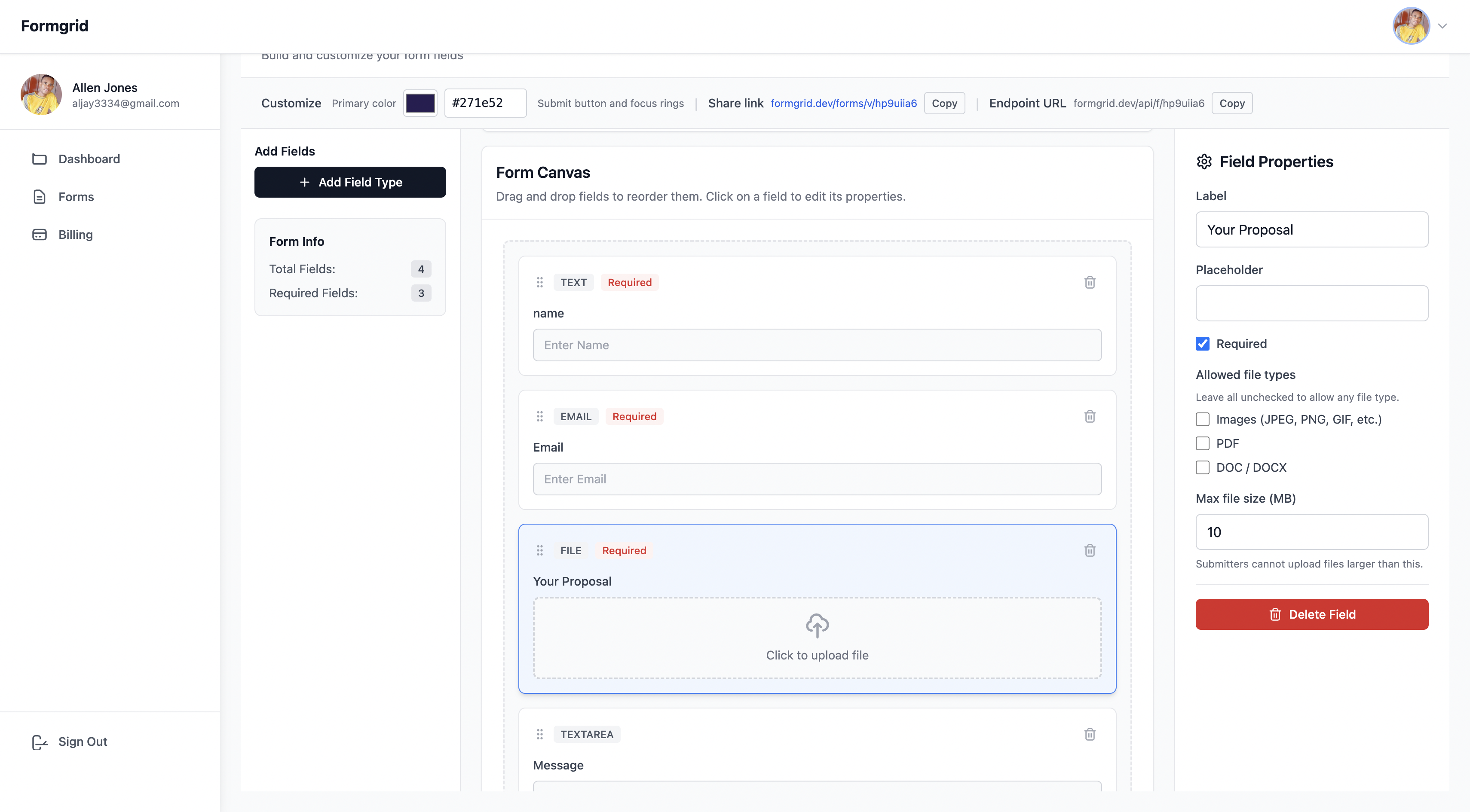
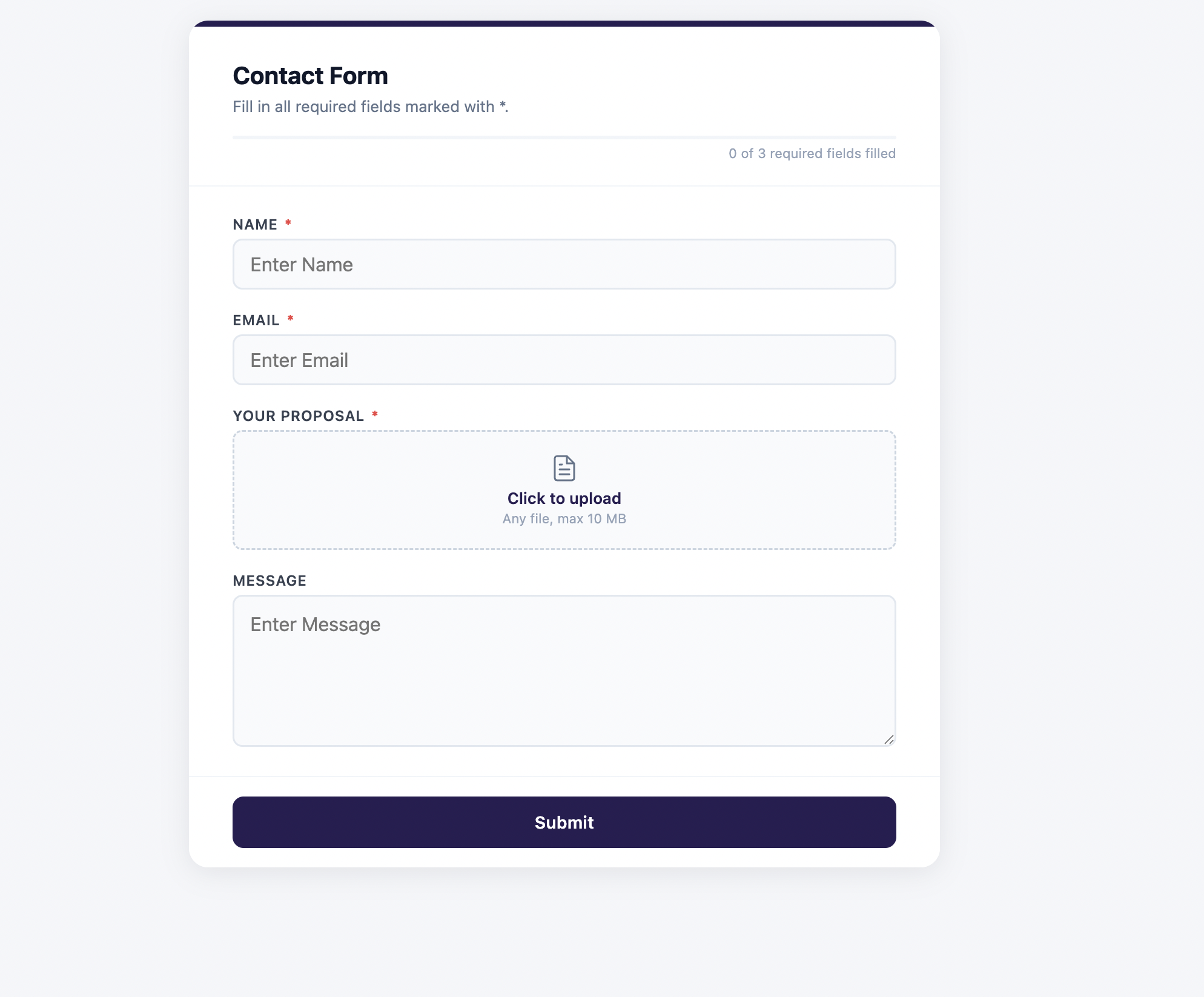
Option A: Use the drag-and-drop form builder
Perfect if you don't have a website or just need a shareable link. Drag fields onto the canvas, customize labels and placeholders, and your form is ready in minutes.
Option B: Use the form endpoint with your existing HTML form
If you already have a form on your website, just point the action attribute at your Formgrid endpoint URL. No rebuilding needed.
<form action="https://formgrid.dev/api/f/your-form-id"
      method="POST">
  <input type="text" name="name" required />
  <input type="email" name="email" required />
  <textarea name="message" required></textarea>
  <input type="text" name="_honey"
         style="display:none" />
  <button type="submit">Send Message</button>
</form>
Step 3: Upgrade to Premium
Go to your account billing page and upgrade to the Premium plan at $12/month.
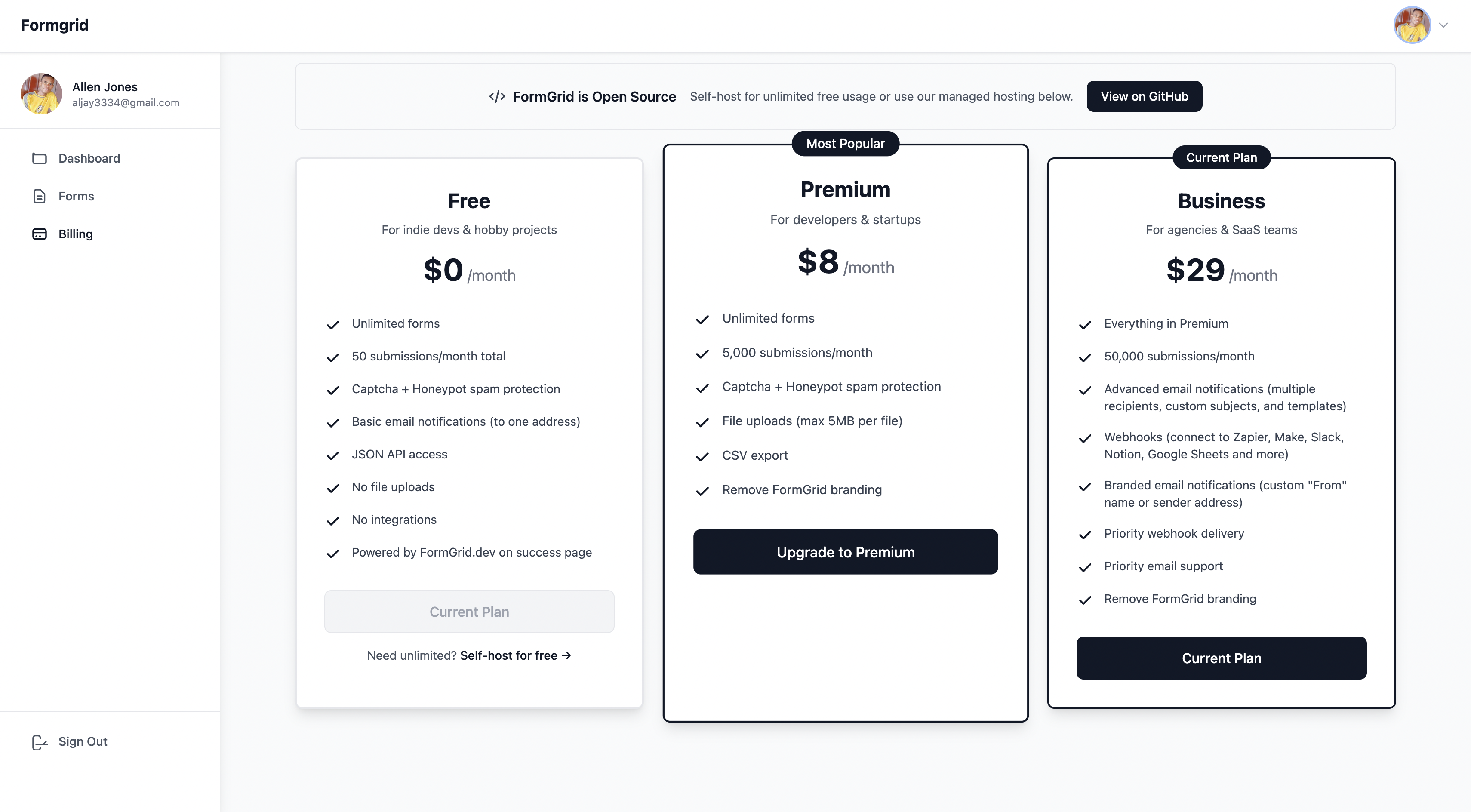
From this moment on:
- No "Powered by Formgrid" badge on your forms
- No watermarks on submission confirmation pages
- No third-party branding in notification emails
- Your form looks 100% like yours
Step 4: Share Your Branded Form
If you used the form builder, go to your form's Overview tab, copy the shareable link.
Share it anywhere:
- WhatsApp groups
- Email campaigns
- Instagram bio
- LinkedIn messages
- Embed it on your website
If you used the HTML endpoint, your existing form is already live. Just submit a test entry to confirm everything is working.
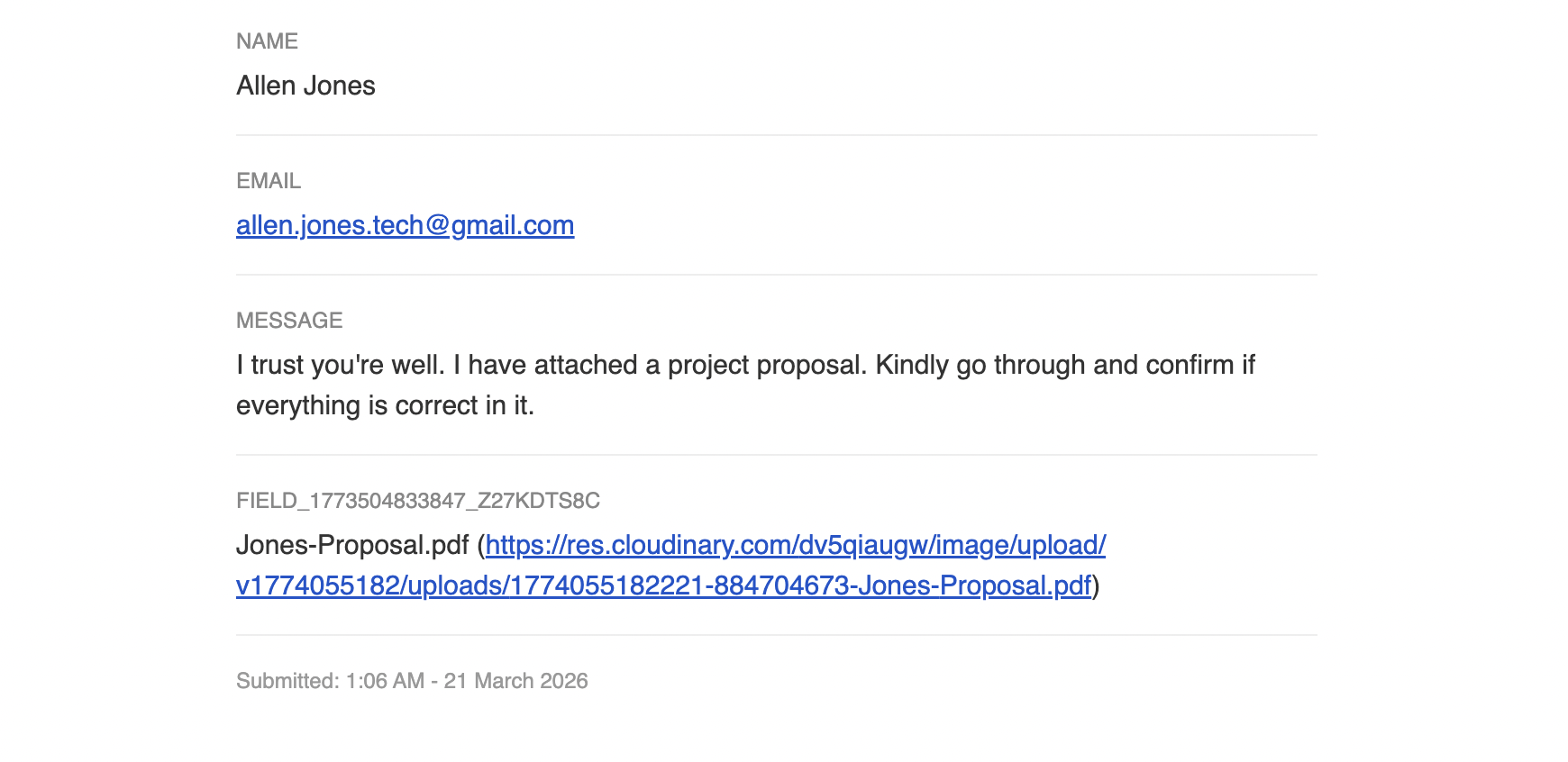
Step 5: Receive Submissions in Your Inbox
Every submission lands in your inbox instantly, cleanly formatted with the submitter's details. No dashboard login required, just to check if someone filled out your form.
What You Get on the Formgrid Premium Plan
At $12/month, the Premium plan includes:
- No Formgrid branding on any of your forms
- 1,000 submissions per month
- Unlimited forms
- Drag-and-drop form builder with shareable link
- Form endpoint for existing HTML forms
- File uploads up to 5MB per file
- CSV export of all submissions
- Honeypot and CAPTCHA spam protection
- Email notifications on every submission
- Works on any website or static site
That's everything you need to run a professional branded forms for less than the cost of a coffee per week.
Comparison: Branding Removal Across Form Builders
| Tool | Branding Removal | Cost | Submissions |
|---|---|---|---|
| Typeform | Plus plan | $59/month | 1,000/month |
| Jotform | Bronze plan | $34/month | 1,000/month |
| Tally | Pro plan | $29/month | Unlimited |
| Formgrid | Premium plan | $12/month | 1,000/month |
Formgrid removes branding at a fraction of what competitors charge. And you get 1,000 submissions per month, more than most small businesses will ever need.
Who This is For
Freelancers and agencies who send client intake forms and don't want another company's logo on their work.
Event organizers collecting registrations for workshops, webinars, and community events.
Small business owners with contact forms, booking forms and inquiry forms on their website.
Course creators collecting student inquiries and enrollment forms shared via social media.
HR teams and hiring managers are collecting job applications and want the form to look like it belongs to their company.
What Real Users Are Saying
"We needed a reliable registration form for our endurance ride events that would send clean, organized emails to our event manager. Formgrid solved the problem quickly and even created a custom email template tailored to our form. The level of personal support was impressive!"
Annie Libby Event Manager, San Diego Endurance Riders
Final Thoughts
Paying $59/month just to remove a logo from Your form is not a reasonable ask for a freelancer, small business, or event organizer with real budget constraints.
Form builder branding removal should be affordable. At $12/month, Formgrid makes it accessible to anyone who needs professional looking forms without the premium price tag.
Start free and upgrade when you're ready to remove the branding.
👉 Try Formgrid free at formgrid.dev
Full disclosure: I built Formgrid. Written as honestly as I could. If anything looks inaccurate, let me know in the comments.

Comments
Leave a comment